

Why Building Power Apps From Scratch Slows Down Digital Transformation
Digital transformation initiatives rarely fail because of the technology. They fail because of time. Power Apps is marketed on speed, yet many organisations still spend weeks building an app from a blank canvas, and by the time it ships, the "quick low-code win" looks like a traditional development project.
Where the time actually goes
Building from scratch doesn't lose time in one obvious place. It leaks out across four:
UI and UX decisions take longer than expected
Every screen, layout, and navigation pattern gets debated and rebuilt from zero, work a tested template has already resolved.
Data modelling mistakes surface late
Structures that look fine in week one often need reworking in week four, once real edge cases show up.
Security and roles get underestimated
Permissions are often a final step rather than part of the initial design, which is exactly what leads to post-launch performance issues.
Testing and iteration compound the delay
A structure rebuilt three times needs to be tested three times, and each round pushes go-live further out.
From scratch vs template: the real time cost
| Factor | From scratch | Template |
|---|---|---|
| Data model | Designed and tested from zero | Pre-built and validated |
| UX and screen layouts | Custom-designed, iterated | Tested patterns, ready to brand |
| Security and roles | Often addressed late | Built in from the start |
| Rework risk | High, surfaces mid-build | Low, foundation already proven |
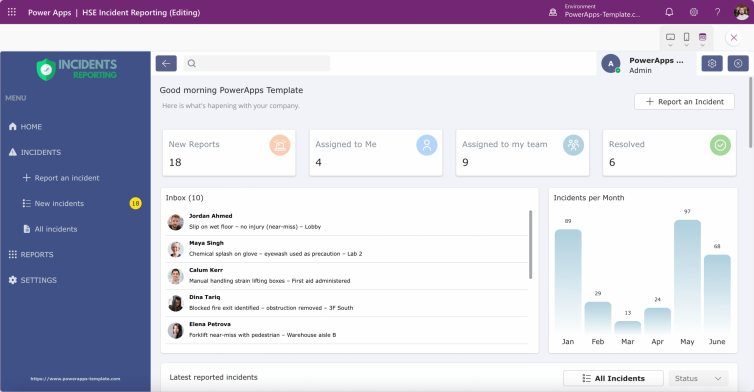
This isn't an argument that templates fit every scenario. Highly bespoke, deeply custom logic still benefits from a from-scratch approach. But for most internal business apps, ticketing systems, approval workflows, incident reporting, onboarding portals, the pattern has already been solved many times over. Rebuilding it from zero spends budget on a problem that doesn't need solving again.
What a good template actually gives you
A properly built template isn't a shortcut that sacrifices quality. It front-loads the decisions usually made under time pressure:
Optimised data models — structured to avoid the mid-build rework that eats up weeks
Tested UX layouts — screen design isn't rebuilt from a blank canvas
Common business logic — already handling the workflows most internal apps need
Best-practice security patterns — roles and permissions considered from day one
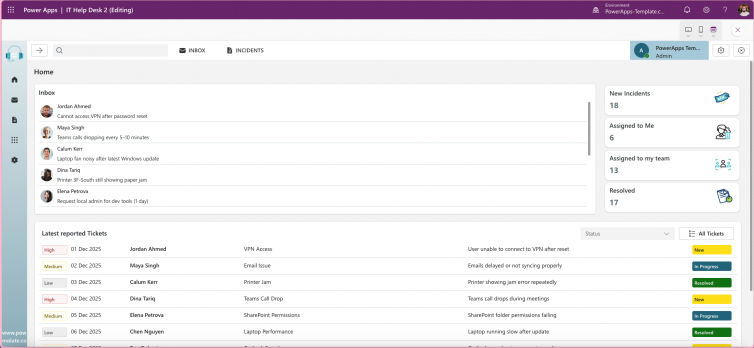
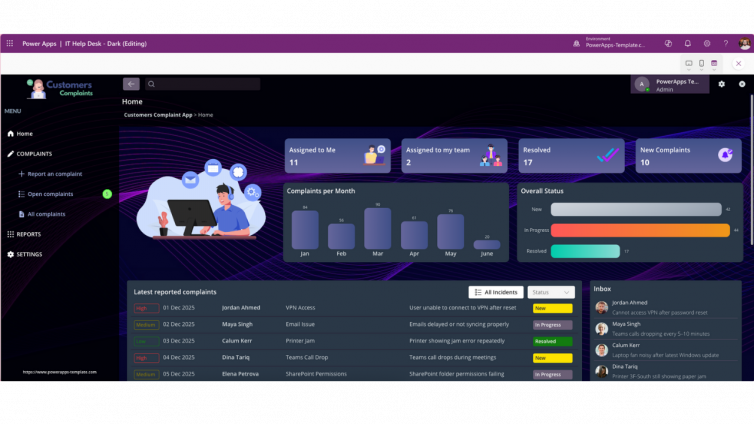
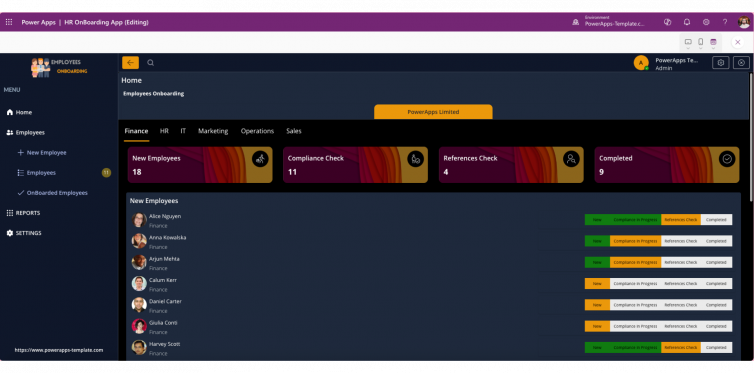
At powerapps-template.com, templates are built around real business scenarios rather than demo use cases. The IT HelpDesk template and Employee Onboarding template are both built this way: role-based access, tested data structures, and screens ready to customise rather than design from nothing.
Frequently asked questions
Is it always faster to use a Power Apps template instead of building from scratch?
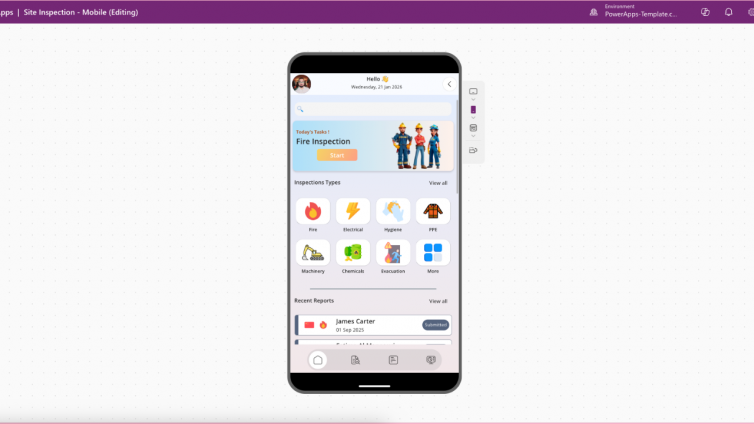
For common business scenarios, ticketing, inspections, onboarding, approvals, yes. The data model, security pattern, and UX have already been solved and tested. From-scratch development still makes sense for genuinely unique logic that no existing pattern covers.
Do templates limit customisation?
No. A well-built template is a starting structure, not a locked design. Branding, fields, workflows, and business logic are still fully customisable; what you skip is rebuilding the underlying architecture from zero.
What's the biggest hidden cost of building from scratch?
Rework. Data models and security structures that looked fine early in the build often need revisiting once real usage patterns emerge, and that rework usually costs more than getting the foundation right the first time.
Can a template-based app still scale to enterprise use?
Yes, provided the template was built with Dataverse and role-based security in mind from the start rather than added later. That's the difference between a template built for demos and one built for production.
Key takeaways
Time lost building Power Apps from scratch rarely comes from one big delay, it accumulates across UX, data modelling, and security decisions. Rework, not initial build time, is usually the real cost driver, and a template built on tested data models and security patterns removes most of that rework before it happens.
Digital transformation doesn't need more ideas. It needs less time spent rebuilding what already works.
Browse templates built for real business scenarios →