🧠 Introduction
You’ve built the perfect Power App… or so you thought.
Then it happens:
- Screens take forever to load
- Forms hang unexpectedly
- Users complain about lag
And the culprit? Permissions.
In enterprise environments (especially ones like yours as a Solution Architect), permission layers can quietly become the biggest performance bottleneck in Power Apps.
The good news? You don’t have to start from scratch to fix it.
⚠️ Why Permissions Slow Down Power Apps
Permissions are essential, but they come at a cost. Here’s what typically slows things down:
1. 🔄 Excessive Role Checks
Each time your app loads or a user interacts with data, Power Apps may trigger:
- Multiple SharePoint or Dataverse permission calls
- Conditional logic (IF user = X, then allow Y)
- Dynamic role validation
📊 Impact: Apps with complex role logic can see 20–40% slower load times.
2. 🧩 Overly Complex Security Models
Many organisations layer permissions like this:
- SharePoint permissions
- Dataverse security roles
- Custom logic inside Power Apps
That’s 3+ levels of checks per action.
📊 Impact: Every extra layer increases latency and API calls, impacting responsiveness.
3. 🌍 Large Data Sources with Restricted Access
When users only have access to a subset of data:
- Queries become fragmented
- Delegation warnings increase
- Power Apps pulls data inefficiently
📊 Impact: Apps can degrade by 2x slower performance when filtering large datasets with permissions.
4. 🔁 Repeated Permission Calls
Poorly designed apps re-check permissions:
- On every screen
- For every control
- During every data refresh
📊 Impact: This leads to unnecessary API consumption and delays.
💡 The Smarter Approach: Start with a Template
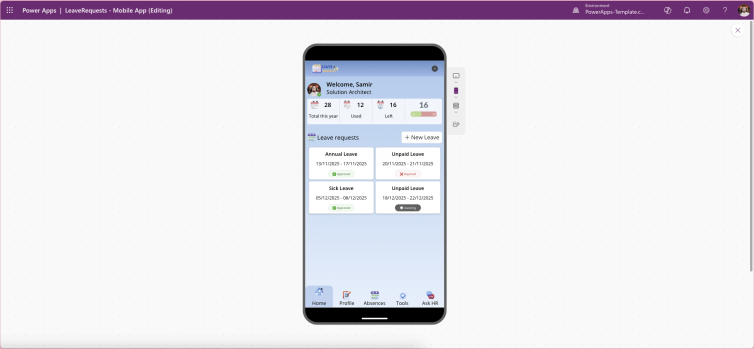
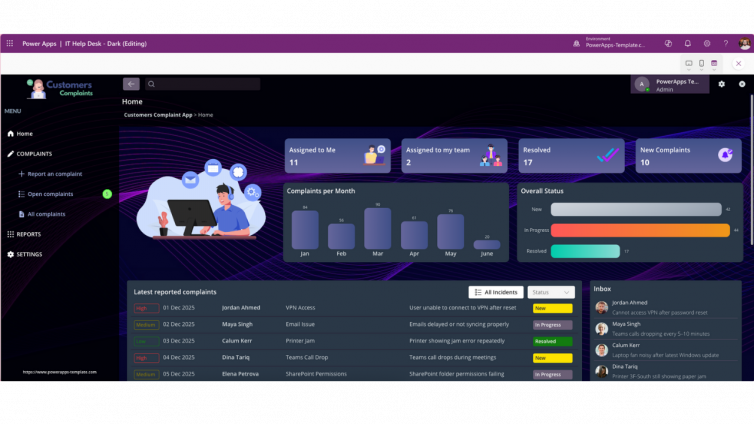
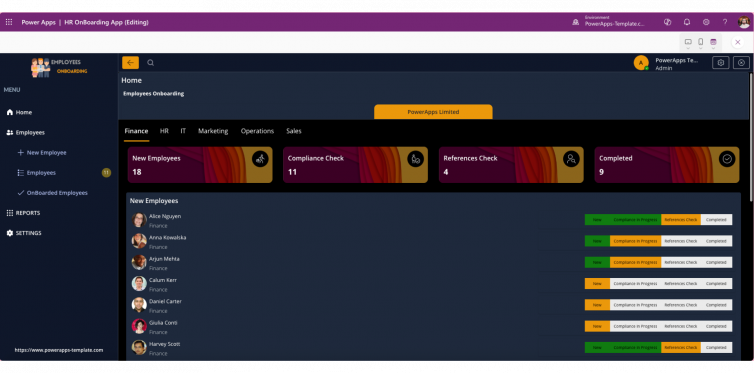
Instead of troubleshooting performance after the fact, pre-built Power Apps templates eliminate these issues upfront.
✅ What Templates Do Differently
1. Centralised Permission Logic
- Permissions checked once per session
- Stored in variables or collections
- Reused across the app
👉 Result: Up to 60% fewer permission calls
2. Optimised Data Access Patterns
- Delegation-friendly queries
- Pre-filtered datasets
- Role-based data shaping
👉 Result: Faster load times, even with large datasets
3. Built-in Performance Best Practices
Templates are designed with:
- Minimal API calls
- Efficient OnStart logic
- Clean separation of roles and UI
👉 Result: Apps feel instant, not reactive
4. Scalable Security Design
Instead of layering permissions everywhere:
- Templates align with Dataverse and Azure AD
- Avoid duplication of security logic
👉 Result: Easier maintenance + fewer errors
⏱️ Time = Money
Let’s be real:
| Approach | Time to Build | Optimisation Effort | Performance Risk |
|---|---|---|---|
| From scratch | 3–6 weeks | High | High |
| With template | 1–3 days | Minimal | Low |
👉 That’s up to 90% faster development time.
🎯 Real-World Scenario
A typical enterprise app:
- 5 user roles
- 10+ screens
- 50k+ records
Without optimisation:
- Load time: 8–12 seconds
With template-based optimisation:
- Load time: 2–4 seconds
That’s a 75% performance improvement — with better governance.
✅ Key Takeaways
- Permissions are a hidden performance killer
- Most apps suffer from duplicated and inefficient checks
- Templates provide battle-tested performance patterns
- Starting from scratch costs time, performance, and scalability
🚀 Final Thought
As a Solution Architect, your goal isn’t just to build apps — it’s to build scalable, high-performance solutions.
Why reinvent permission logic every time?
👉 Start with a template. Save weeks. Deliver faster. Perform better.