

Spreadsheet-to-slide reporting has a shelf life. See what a Power Apps sales dashboard needs, live data, KPI cards and a layout that holds up on any device.
Ui / Ux
Company growth with strategy
Free and paid Power Apps templates look the same in a screenshot. Here’s what actually differs in the data model and permissions, and when free is genuinely the right call.
15 real Power Apps use cases across IT, safety, HR, learning, field operations and sales, each pointing to a working template you can preview and buy today.
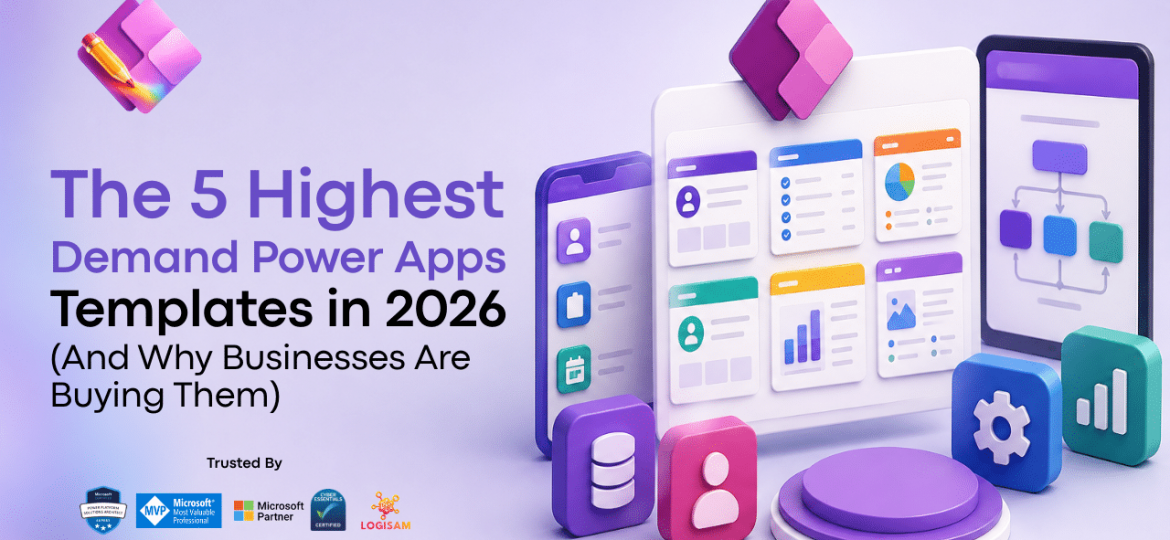
The five Power Apps template categories seeing the most purchases right now, and the exact operational gap each one closes for the businesses buying them.
Save weeks on Power Apps development with ready‑made templates. Start faster, customise easily, and deliver business value sooner using proven Power Apps templates built for real‑world scenarios.
Building Power Apps from scratch often slows delivery. Learn how pre‑built Power Apps templates reduce build time, avoid rework, and accelerate digital transformation.

Vibe coding in Power Platform looks like a productivity leap — until you have to maintain what you built.
Code Apps and AI-scaffolded TypeScript are exciting, but most Power Platform teams were never trained as software engineers. When AI generates code nobody fully understands, organisations aren’t innovating — they’re deferring a bill they can’t yet read.
Canvas Apps remain the sustainable choice. Readable formulas, mature governance, genuine citizen developer ownership, and AI assistance that augments understanding rather than replacing it.
Build fast by all means. Just make sure someone on your team can explain what’s running in production.
Learn how to customize Power Apps templates without coding by adjusting layouts, branding, data sources, workflows, notifications, and user permissions. This guide explains how to adapt ready-made Power Apps templates to your business needs while keeping customization simple, scalable, and easy to maintain.

Great functionality alone doesn’t guarantee success in Power Apps projects. Without strong UI/UX, even the most powerful low-code solutions risk poor adoption. A well-designed interface improves usability, accessibility, and user satisfaction—turning apps into tools people love to use. Investing in design isn’t optional; it’s the key to unlocking the full potential of low-code development.

When building business applications in Microsoft Power Apps, the choice between starting from scratch or leveraging built-in templates can significantly impact time-to-market, cost, and user experience. Let’s break down why templates are often the smarter choice for non-designers.