

15 Power Apps Examples & Use Cases for Business (2026)
Real Power Apps examples across IT, safety, HR, learning, field operations and sales, each pointing to a working template you can actually deploy, not a hypothetical.
Most "Power Apps examples" content stops at a description and a screenshot. This one exists to close that gap: 15 real use cases, grouped by department, each pointing to a working template rather than a hypothetical. Every pattern below shares the same underlying logic, a clean data model, structured status tracking, and role-based permissions, which is what actually separates an example from something you can put in front of a team next week.

In this guide
IT operations
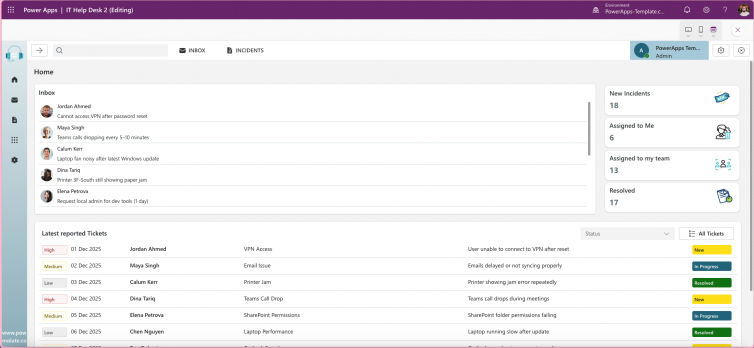
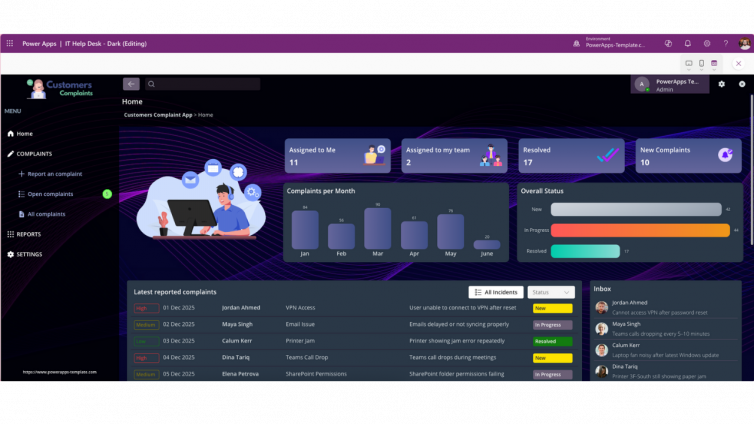
- 1 Ticket submission and triage Structured ticket intake with assignment and status tracking. Built into the IT HelpDesk template.
- 2 FAQ deflection to cut ticket volume A built-in FAQ layer that answers common requests before they become tickets.
- 3 Admin dashboard for resolution time and workload Visibility into ticket trends and team load, without exporting to a spreadsheet.
Safety and compliance
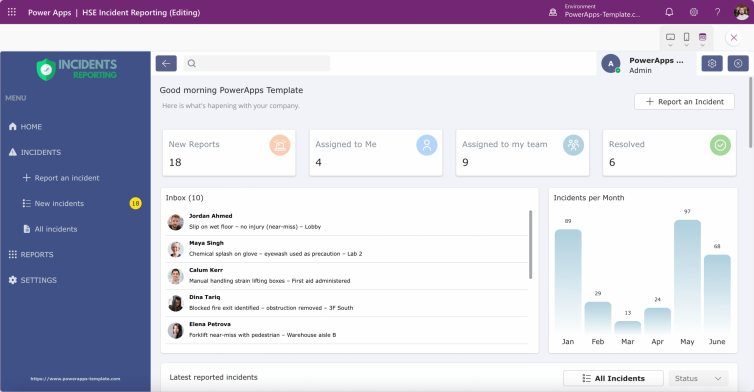
- 4 Incident and near-miss logging Structured capture of incidents and near-misses. Built into the HSE Incident Reporting App.
- 5 Hazard reporting with audit trail Every status change logged with a timestamp, defensible under review.
- 6 Structured investigation-to-resolution tracking A clear lifecycle from reported to resolved, not a single freeform notes field.
HR and people
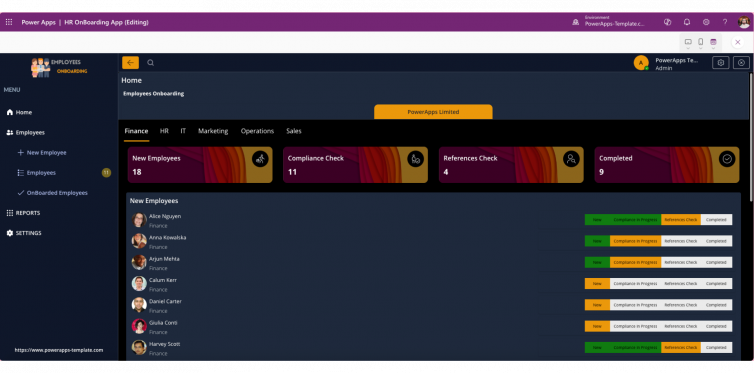
- 7 Employee onboarding checklist and tracking One trackable process from offer to first day, through the Employee Onboarding Template.
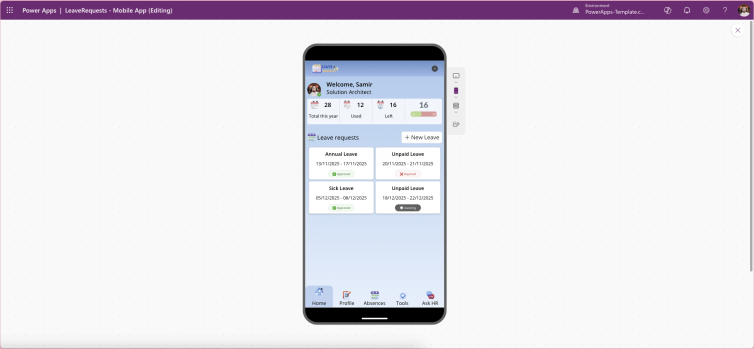
- 8 Leave request and approval workflow Structured requests and sign-off, replacing email chains and shared calendars.
- 9 New-hire compliance sign-off Tracked completion of required onboarding steps, visible to HR at a glance.
Learning and development
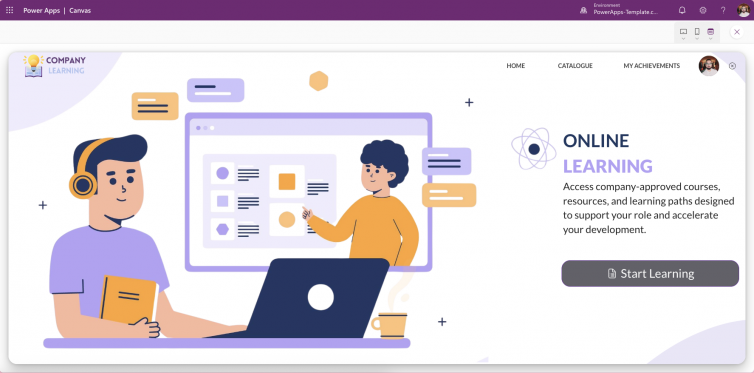
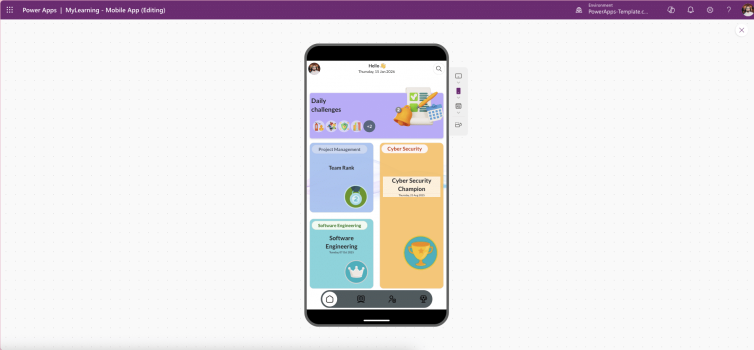
- 10 Internal LMS with video and assessments Video-based learning and assessments in one place, via the Company Learning Portal.
- 11 Onboarding curricula tracking Progress tracked per employee, not buried in a shared spreadsheet.
- 12 Certification badges and progress Visible completion status for compliance training and internal certification.
Field and site operations
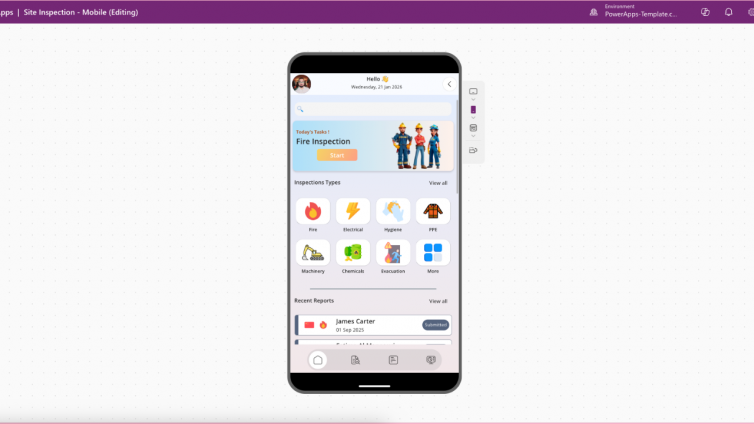
- 13 Mobile inspection checklists with photo capture Structured checklists built for phones and tablets, via the Site Inspection Mobile App.
- 14 Offline-capable field data capture Inspections that hold up in low or no signal, syncing once connectivity returns.
Sales and customer service
- 15 Customer complaint tracking with status and admin dashboard Client and product-level complaint tracking with a resolution dashboard, via the CRM Customers Complaints template.
FAQ
What is Power Apps used for in business?
Structured, repeatable workflows: ticketing, incident reporting, onboarding, inspections, and customer complaint tracking are the most common use cases.
Can I see a real Power Apps example before building my own?
Yes, pre-built templates across these categories are available to preview and buy, letting you evaluate a working example before committing to a custom build.
What is the difference between a Power Apps example and a template?
An example describes a use case in general terms. A template is a working, unmanaged Power Apps solution built around that use case, ready to open, customise and deploy.
The bottom line
Every one of these 15 examples solves a workflow that already exists informally inside most businesses, just badly. The value in a template is not the idea, it is the structure underneath it: a data model and permission logic built to hold up once real people and real records are running through it.
See the templates behind these examples
Every use case above is covered by a working, unmanaged Power Apps template ready to customise and deploy.
Browse the Marketplace