

Best Power Apps Templates in 2026: The Complete Buying Guide by Use Case
Ranked Power Apps canvas app templates across IT, HSE, HR, learning and field operations, with real pricing, what's included, and when a free template is actually the wrong choice.
Most "best Power Apps templates" roundups show you screenshots and stop there. No pricing, no buying path, no answer to the question that actually matters: is this template built well enough to save you time, or well enough to cost you more later. This guide ranks templates by use case, tells you exactly what you get for the price, and flags where free templates genuinely make sense versus where they cost you in rework.

In this guide
What "best" actually means when buying a template
A template is not just a screen layout. It is a data model, a permission structure, a set of components, and a licence to modify all three. Ranking templates on looks alone misses what determines whether the app still works cleanly in six months.
- 1 Unmanaged solution, not a locked package You need to open the app in Power Apps Studio and change anything: fields, screens, business logic. A locked managed solution defeats the point of buying a template.
- 2 Clean Dataverse or SharePoint schema Normalised tables, sensible relationships. This is what determines whether the app stays fast as data grows.
- 3 Documented, role-based permissions Explicit security roles, not conditional logic scattered across screens. Faster to audit, faster to extend.
- 4 Recently built or updated Power Apps changes every release wave. A template from 2023 was not designed for how the platform works now.
- 5 Built around a real operational scenario Templates designed for an actual workflow, not a generic demo, tend to have far more thoughtful data models.
Best templates for IT operations
IT teams replacing email-based or spreadsheet-driven support with a proper ticketing workflow. This is the highest-volume use case for Power Apps templates, and the easiest to get wrong with an over-engineered build.
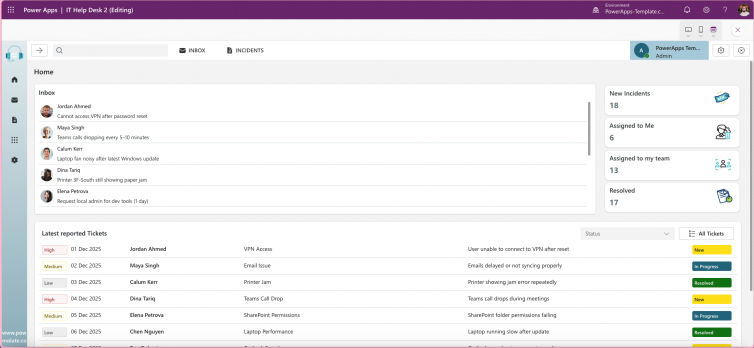
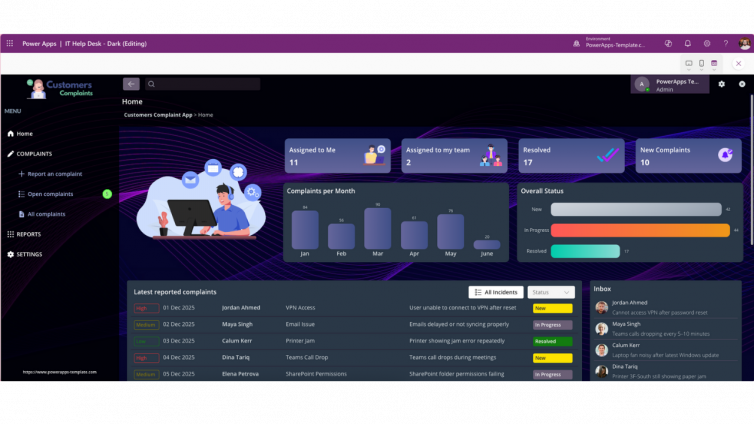
IT HelpDesk – Ticketing, FAQ & Admin Dashboard
$99Structured ticket submission, FAQ deflection, and a built-in admin dashboard for tracking resolution times and workload. Clean enough permission logic to plug into Agent Feed once first-line triage moves to agents.
View template and pricingBest templates for HSE and compliance
Health, safety and environment reporting apps live or die on audit trail integrity. This is not a category where a generic form builder cuts it.
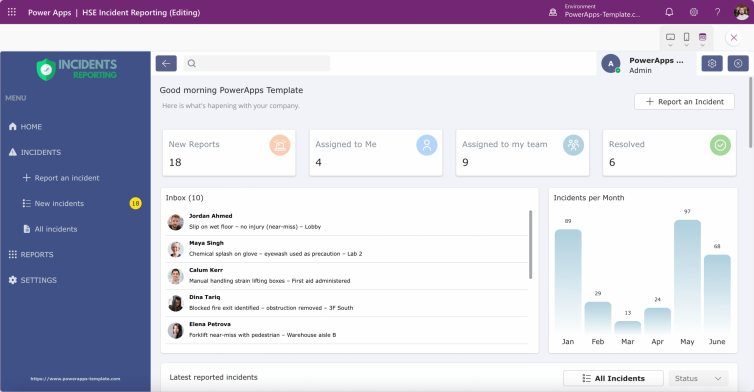
HSE Incident Reporting App
$99Captures incidents, near-misses and hazards with a clean audit trail and status tracking built in. Airtight permission structure that holds up under compliance scrutiny.
View template and pricingBest templates for HR and onboarding
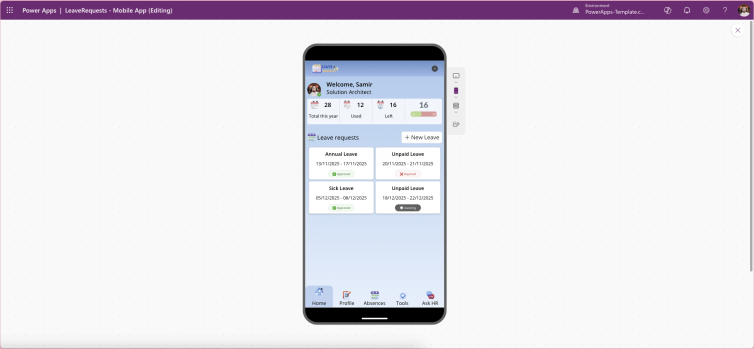
Leave requests and new-hire onboarding are two of the most commonly rebuilt-from-scratch workflows in Power Apps, usually because HR teams underestimate how much approval logic they actually need.
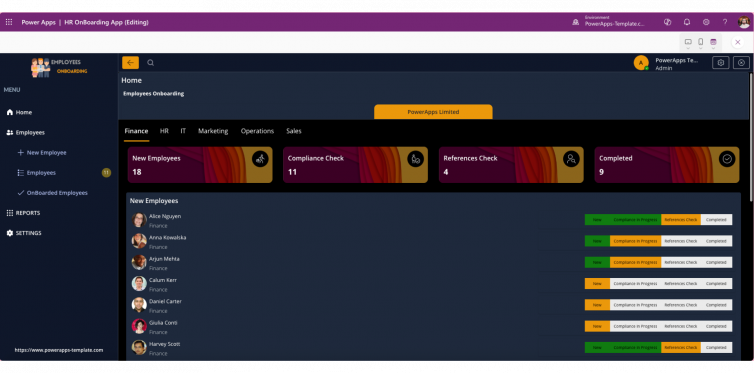
Employee Onboarding Template
$99Structured onboarding workflow that replaces scattered checklists and email chains with a single trackable process, ready to adapt to your own HR steps.
View template and pricingBest templates for training and learning
Internal learning portals need to handle video, assessments, and progress tracking without turning into a maintenance burden. Most from-scratch builds in this category stall on the content structure, not the UI.
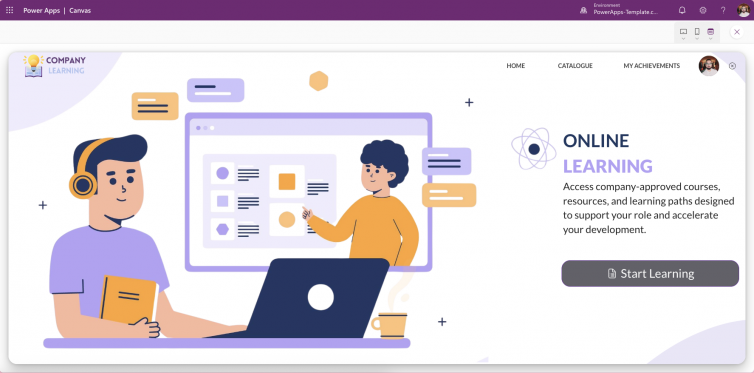
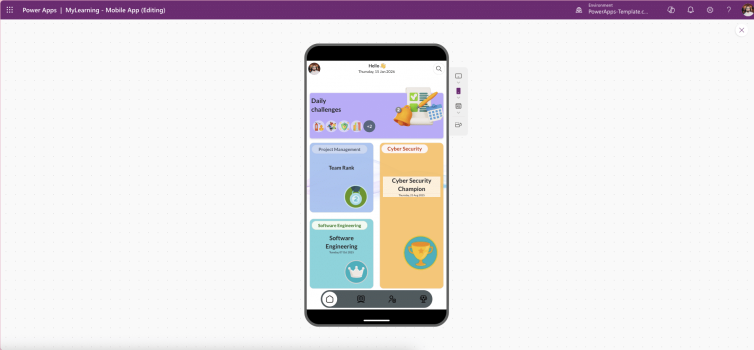
Company Learning Portal
$99Video-based learning, article-style content, assessments and badges, integrated with SharePoint, Dataverse or SQL. Structured enough to map cleanly onto Copilot's Work IQ context once you enable it.
View template and pricingBest templates for field and site operations
Mobile-first apps for teams that are not sitting at a desk. The bar here is different: offline reliability and checklist clarity matter more than visual polish.
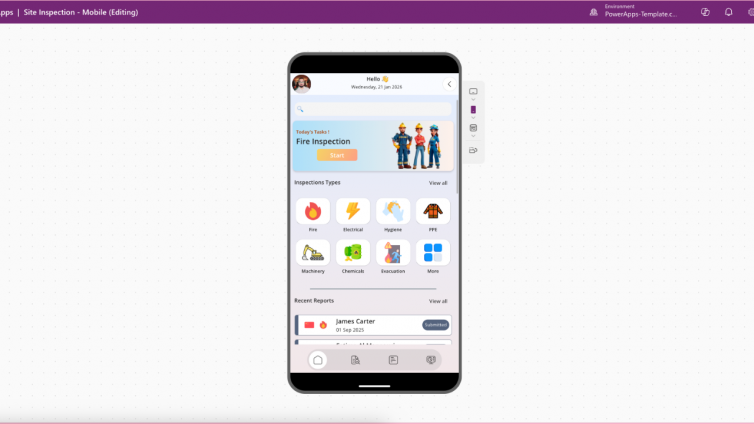
Site Inspection Mobile App
$99Structured checklists, photo capture, and status tracking in a mobile-first layout built for teams working on-site rather than at a desk.
View template and pricingFree vs paid: which one you actually need
Free Power Apps templates are genuinely useful for learning the platform or prototyping an idea before you commit budget. Where they fall short is exactly where a business app needs to hold up: permission structure, data model integrity, and ongoing support when Microsoft ships a platform update.
| Factor | Free templates | Paid templates ($99) |
|---|---|---|
| Data model | Often flat, demo-grade | Normalised, built for scale |
| Permission logic | Basic or absent | Role-based, documented |
| Solution type | Varies, often locked | Unmanaged, fully editable |
| Update cadence | Rarely maintained | Updated for current release wave |
| Best for | Learning, quick prototypes | Production business apps |
If you are testing whether Power Apps fits your workflow at all, start free. If you are deploying something a team will depend on daily, the gap in data model and permission quality is where free templates cost you the most time later, not upfront.
FAQ
How much does a Power Apps template cost?
Professionally built Canvas App templates typically range from free starter versions to $99 for a complete unmanaged solution with full customisation rights. Price usually reflects data model depth and permission structure, not just visual design.
Can I customise a purchased Power Apps template?
Yes, provided it is delivered as an unmanaged solution. This means opening the app directly in Power Apps Studio and changing fields, screens, and business logic without restriction.
Are free Power Apps templates good enough for business use?
They work well for prototyping and learning. For production apps a team depends on daily, paid templates generally offer stronger data models, documented permissions, and more recent updates aligned to the current release wave.
What is the difference between a managed and unmanaged Power Apps solution?
A managed solution is locked and cannot be edited directly. An unmanaged solution can be opened and modified in Power Apps Studio, which is what you want when buying a template you intend to customise.
The bottom line
The best Power Apps template is not the cheapest or the most feature-packed. It is the one whose data model and permission structure match your actual workflow, built recently enough to work with how the platform runs today. Every template ranked above meets that bar, ships as a full unmanaged solution, and is ready to customise the same day you buy it.
Browse the full template marketplace
Every category above, plus more: sales, complaints tracking, and shopping templates. Unmanaged solutions, instant download, full customisation rights.
Browse the Marketplace