

Power Apps Templates in 2026: Buy Agent Ready Apps, Skip the Rebuild
Power Apps just went agent-native. Agent Feed, MCP-powered tools and Work IQ are now part of the platform, and that changes what "good template" means if you're buying rather than building.
Power Apps just changed shape again. The 2026 Release Wave 1 brought Agent Feed, MCP-powered custom tools, and Work IQ integration straight into the platform, turning ordinary business apps into something Copilot can act inside, not just look at. If you are shopping for Power Apps templates this summer, that shift changes what a good template actually needs to deliver.
What changed in Power Apps this year
Three updates from the 2026 wave matter most if you are choosing a template rather than building from a blank canvas.
- Agent Feed. Model-driven apps now ship with a built-in supervision inbox for agent activity, sorted into Completed and Needs Attention. Any app with clean entity structure and sensible permissions plugs into this immediately. Apps with tangled data models do not.
- MCP-powered custom tools. Makers can define tools that bring app-specific business logic straight into Copilot, alongside Fluent-based UI widgets. This works cleanly only on apps where the data layer and business rules were built with intention, not improvised over months of ad hoc requests.
- Work IQ integration. Copilot inside your app can now pull context from emails, meetings, Teams messages and documents across your Microsoft 365 tenant. A meaningful productivity jump, but only for apps already structured to receive that context.
None of this is automatic. An app has to be built the right way to take advantage of it. That is the part most buyers miss.
Why this matters more for templates than custom builds
A custom-built app usually reflects whoever built it: their shortcuts, their naming conventions, their permission logic bolted on halfway through the project. That is fine until Microsoft ships a platform update that expects clean structure underneath. Then the rework bill arrives.
A well-built template is different. It was designed once, tested against real business scenarios, and refined across releases. When Power Apps adds agent capabilities, a properly structured template inherits them with far less friction, because the Dataverse schema, permission model and component logic were already sound.
This is the actual argument for buying rather than building from scratch in 2026. It is not just about saving four to six weeks of development time. It is about not having to retrofit your app every time Microsoft moves the platform forward.
What to look for when buying a template right now
If you are evaluating templates this quarter, run them against this checklist before you pay for anything.
- 1 Clean Dataverse or SharePoint schema A normalised data structure. Flat, overloaded tables will not play well with MCP tools or Agent Feed.
- 2 Documented permission logic Role-based access that is explicit and easy to follow, not nested conditional formulas scattered across screens. This is also what keeps an app fast.
- 3 Recent build or update date A template last touched in 2024 was not designed with Wave 1 in mind. Look for anything updated within the current release cycle.
- 4 Unmanaged solution delivery The ability to open, inspect and extend the app yourself, not a locked package you cannot adapt as requirements shift.
- 5 Real-world scenario coverage Templates built around an actual operational need tend to have more thoughtful data models, because someone had to make them work for a real team.
Where to start: templates built for how Power Apps works now
A few categories are worth buying pre-built rather than starting from zero, particularly given how much ground the platform has covered this year.
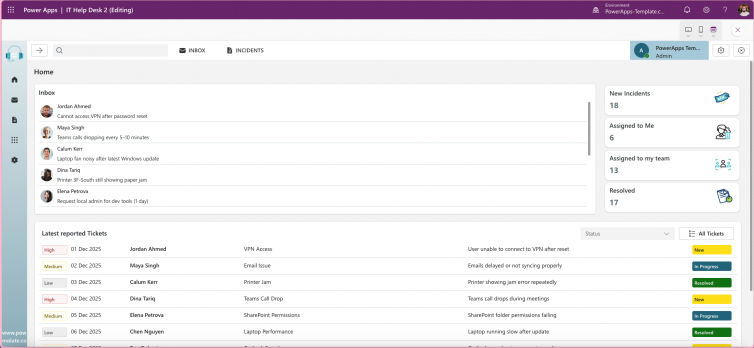
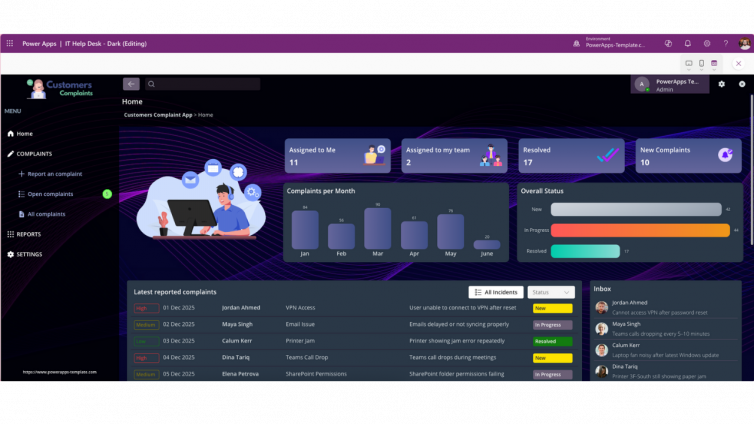
IT HelpDesk – Ticketing, FAQ & Admin Dashboard
Structured, permission-heavy workflow built for Agent Feed once agents start handling first-line triage.
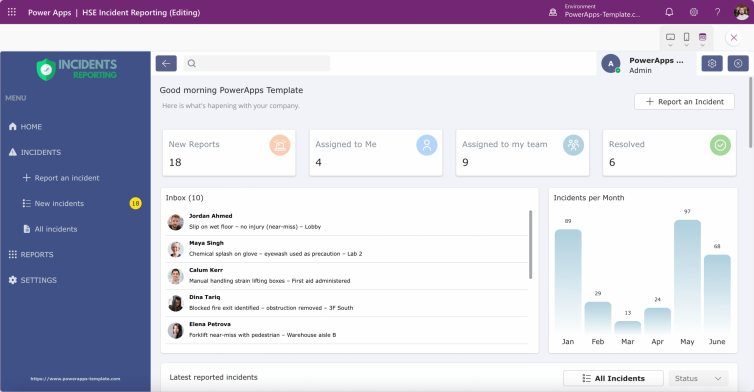
View templateHSE Incident Reporting App
Airtight permission logic and a clean audit trail, a natural fit for agent supervision down the line.
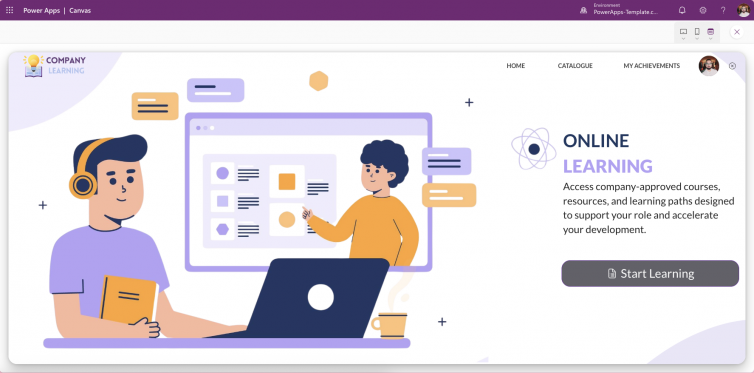
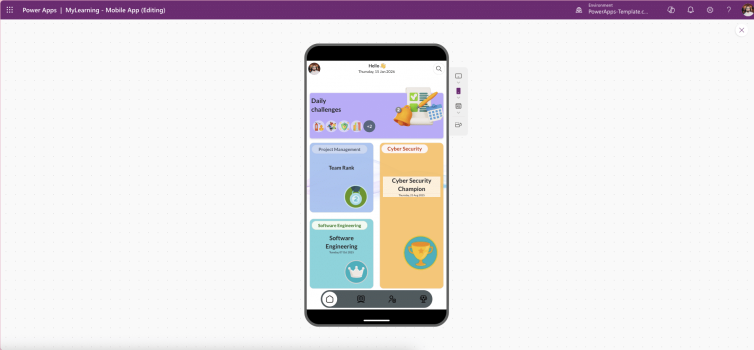
View templateCompany Learning Portal
Training content and progress tracking that maps well onto Work IQ context out of the box.
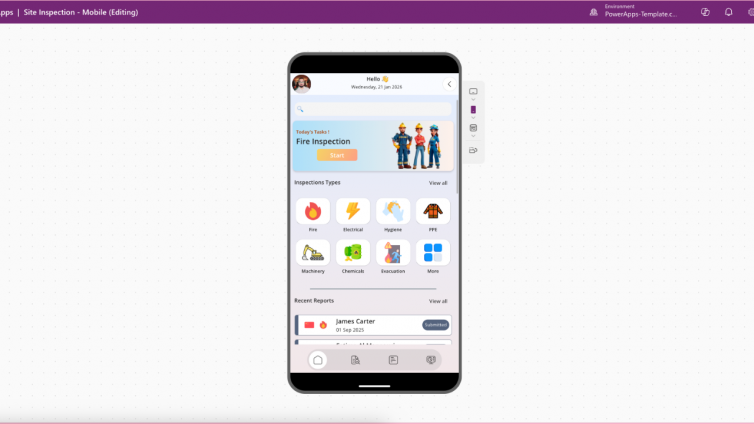
View templateSite Inspection Mobile App
Structured checklists and discrete data points that are straightforward for MCP tools to extend.
View templateThe bottom line
Power Apps is no longer just a form builder with a nice UI. It is becoming a platform where AI agents work inside your apps, not alongside them. Templates engineered with that structure in mind will keep pace with every new release. Templates, or custom builds, that were not will need rework each time Microsoft ships.
Choosing a professionally designed Power Apps template today is not just about launching faster. It is about buying into an app that is already built for where the platform is heading.
Build on a template that's already agent-ready
Browse the full Power Apps template marketplace and find a canvas app built for 2026, ready to customise and deploy.
Browse the Marketplace