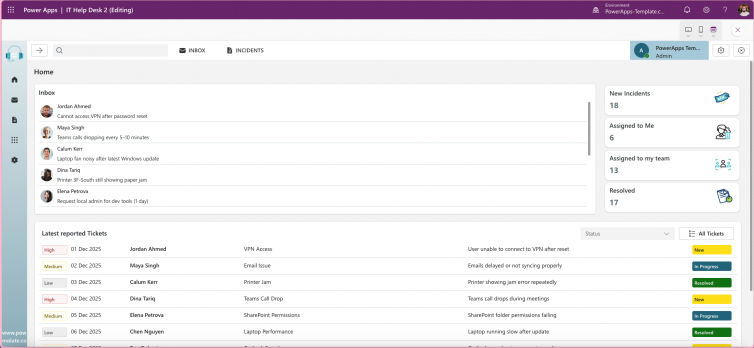
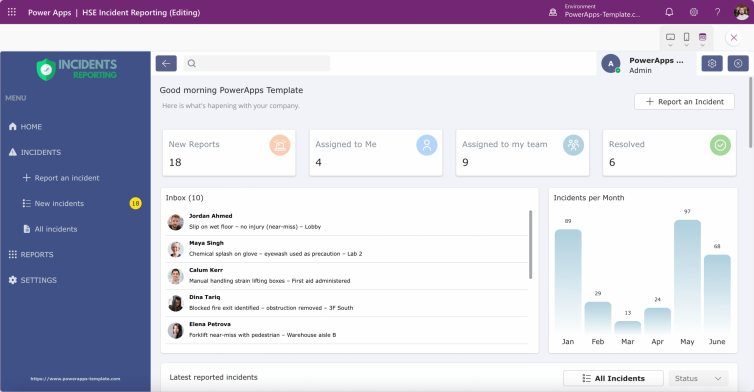
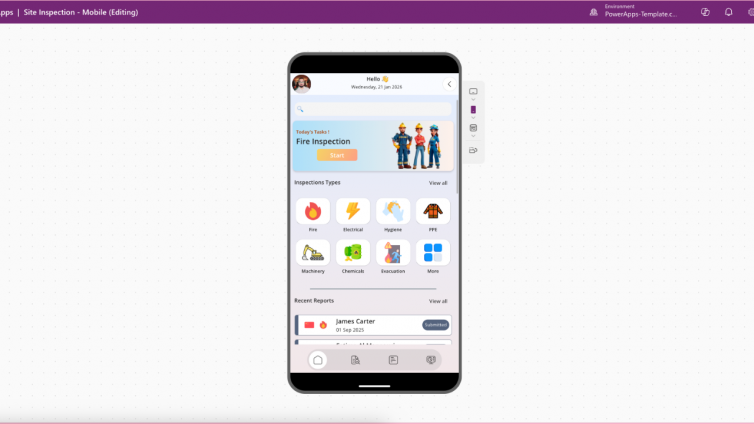
Accessibility is a fundamental principle of modern app design. For Power Apps and low-code platforms, ensuring your apps are accessible improves usability, meets legal requirements, and demonstrates your commitment to inclusivity. Accessible apps work for all users, including those with visual, auditory, motor, or cognitive impairments.
What Is Accessibility in Apps?
Accessibility means designing apps that people with visual, auditory, motor, or cognitive impairments can use effectively. This includes:
- Screen reader compatibility
- Keyboard navigation
- High-contrast themes
- Clear labels and logical layouts. [learn.microsoft.com]
Why It’s Critical
- Inclusivity: Over 1 billion people worldwide live with disabilities. Ignoring accessibility excludes a significant user base and undermines equality. [moldstud.com]
- Better UX for All: Features like clear navigation and high-contrast text help everyone, not just those with disabilities. [lowcodepower.com]
- Legal Compliance: Many regions enforce standards like WCAG 2.2 and the European Accessibility Act. Non-compliance can lead to legal and reputational risks. [defra-desi….github.io]
- Business Impact: Accessible apps expand market reach, improve customer loyalty, and boost brand reputation. [zetaton.com]
Microsoft’s Accessibility Standards
Microsoft provides clear guidelines for building accessible apps:
- Use AccessibleLabel for images, icons, and buttons.
- Ensure colour contrast ratio of 4.5:1 for text.
- Enable keyboard navigation with logical TabIndex order.
- Test with Accessibility Checker in Power Apps Studio. [learn.microsoft.com]
Tools like Accessibility Insights help developers identify and fix issues early. [devblogs.m…rosoft.com]
Benefits Beyond Compliance
- Improved Adoption: Accessible apps are easier to use, reducing training and support costs.
- Future-Proofing: Accessibility aligns with global trends and upcoming regulations.
- Innovation: Inclusive design often leads to cleaner, more intuitive interfaces for all users. [applause.com]
Practical Tips
- Integrate accessibility from the start, not as an afterthought.
- Test with screen readers like JAWS, NVDA, and VoiceOver.
- Avoid relying on colour alone for meaning—use icons and text.
- Run automated checks and manual tests before publishing. [learn.microsoft.com]
Conclusion
Building accessible apps is good design, good business, and good ethics. It ensures equal access, improves usability, and strengthens your brand. For Power Apps and low-code platforms, accessibility is not optional it’s essential for success.