
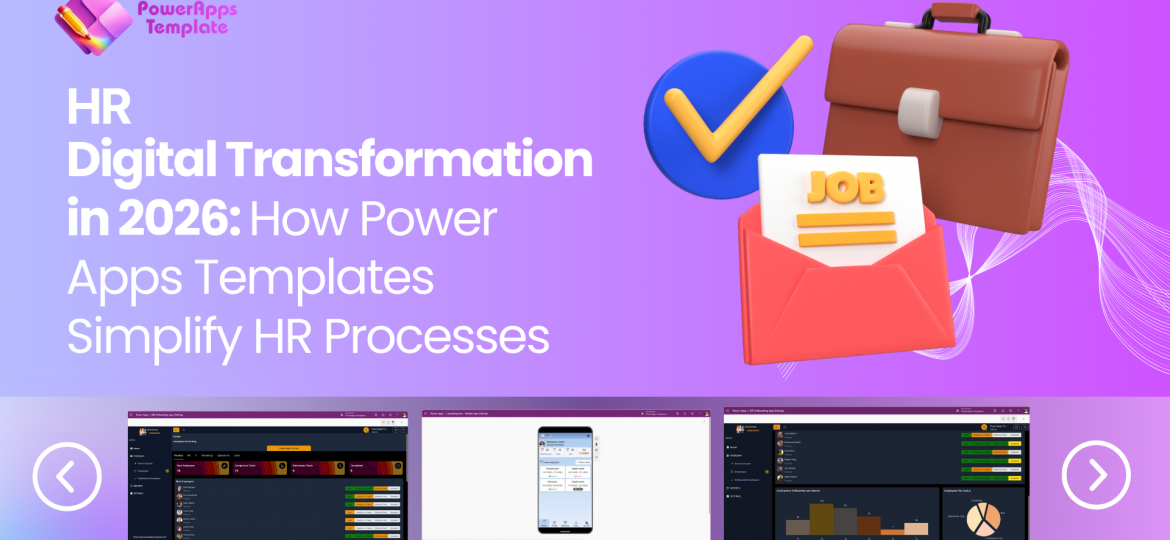
Explore how Power Apps HR templates can simplify employee management, onboarding, leave requests, performance tracking, and everyday HR workflows. Discover ready-made solutions that help HR teams reduce manual processes, improve data visibility, and create more efficient employee experiences.
PowerApps Template
Company growth with strategy
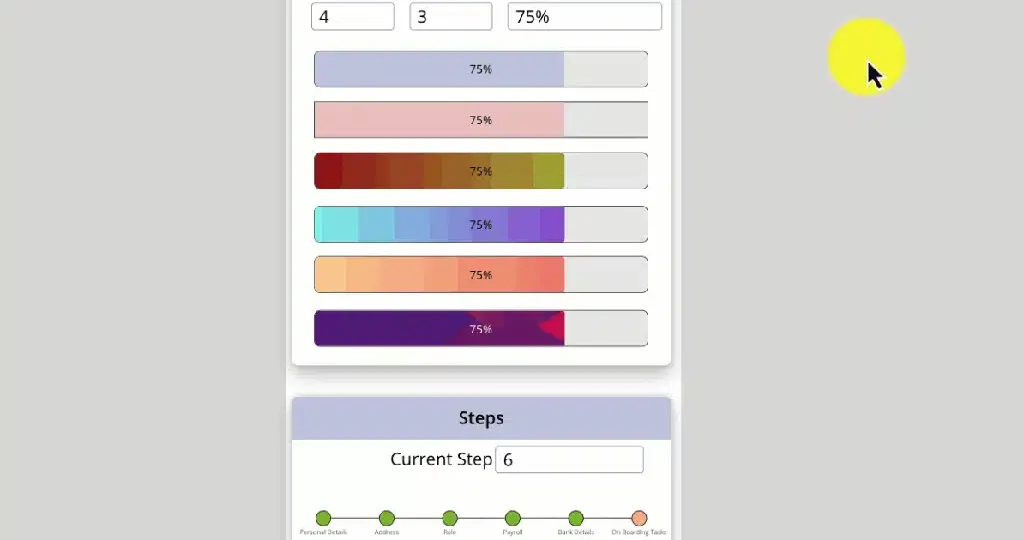
Great user experience in Power Apps isn’t only about design—it’s about guiding users clearly through each step of a process. Progress Bars and Step Bars are two lightweight components that instantly make your Canvas Apps feel more structured, modern, and user‑friendly.
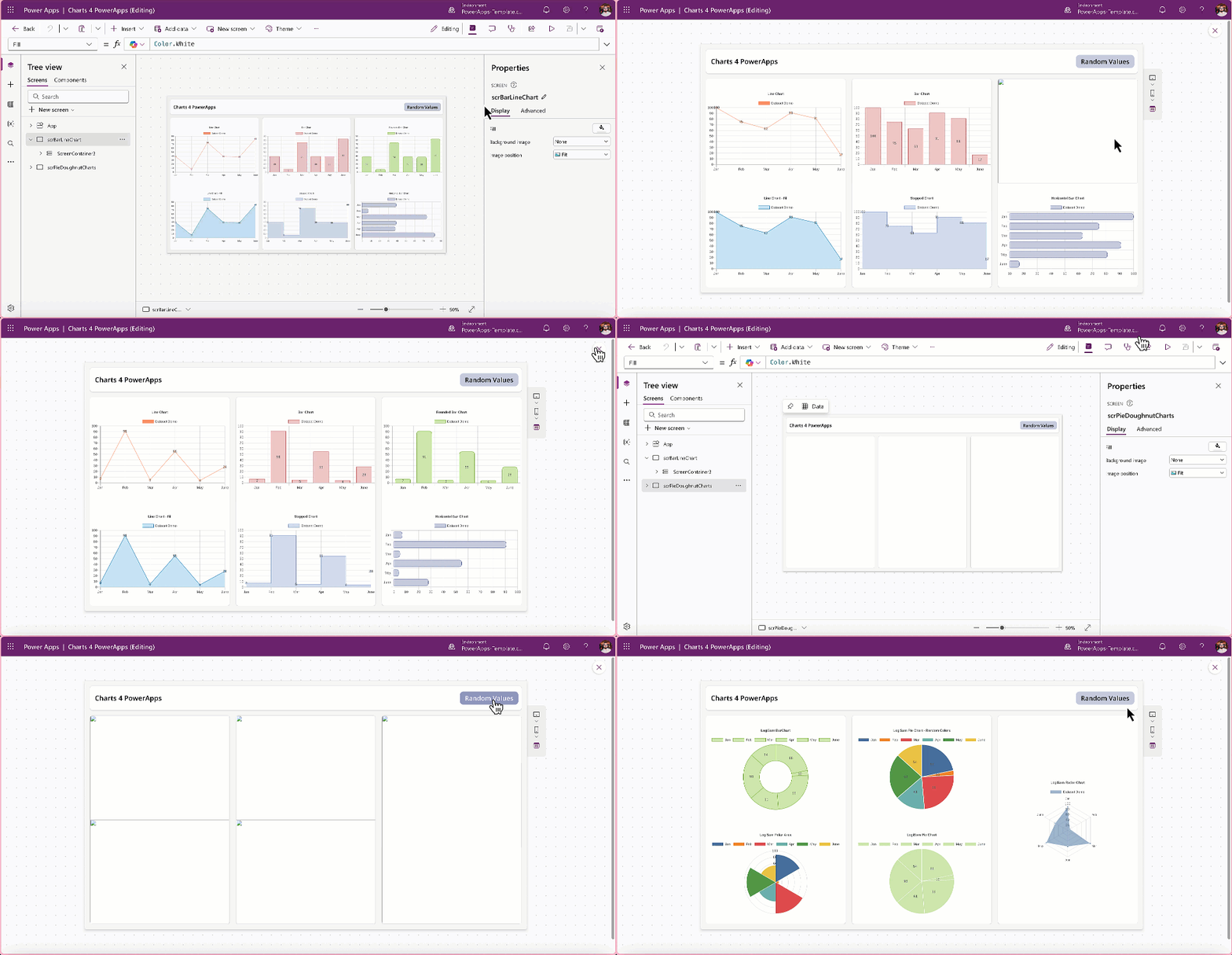
In today’s data‑driven world, visual clarity is essential. Users expect applications to present information in ways that are actionable and easy to interpret. Chart4PowerApps empowers any Power Apps maker to meet that expectation.
If you want to elevate your Canvas Apps with clean, modern chart components—without complexity—Chart4PowerApps is the solution.
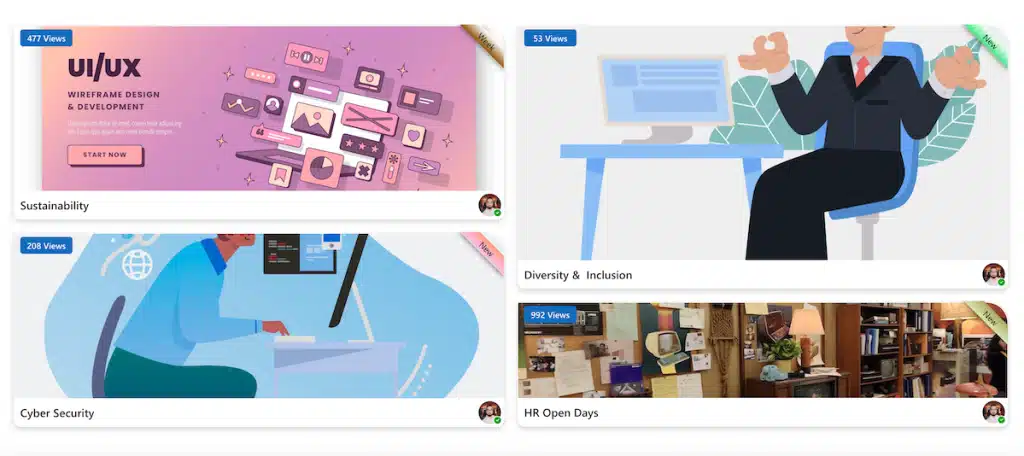
We’re always exploring new ways to make Power Apps interfaces more intuitive and useful — not just for our own projects, but for the wider maker community as well. Recently, we put together a lightweight component that many makers may find helpful: a Power Apps container with a ribbon‑style side badge.
It’s a simple, reusable element that helps highlight key information instantly.
Light and dark themes aren’t just design choices—they’re essential for user comfort, accessibility, and engagement. Offering theme flexibility in Power Apps ensures a professional, inclusive experience across all devices.
Accessibility isn’t optional—it’s essential. Building apps that everyone can use, regardless of ability, improves adoption, meets legal standards, and reflects your commitment to inclusivity. From screen reader support to colour contrast compliance, accessible design ensures your Power Apps and low-code solutions deliver value to all users.
Responsive design isn’t optional—it’s essential for Power Apps and low-code projects. Users switch between phones, tablets, and desktops every day, and your app must adapt seamlessly. Building for multiple devices improves usability, boosts adoption, and future-proofs your solution. Learn Microsoft’s best practices to make your apps look great everywhere

Great functionality alone doesn’t guarantee success in Power Apps projects. Without strong UI/UX, even the most powerful low-code solutions risk poor adoption. A well-designed interface improves usability, accessibility, and user satisfaction—turning apps into tools people love to use. Investing in design isn’t optional; it’s the key to unlocking the full potential of low-code development.
When building business applications in Microsoft Power Apps, the choice between starting from scratch or leveraging built-in templates can significantly impact time-to-market, cost, and user experience. Let’s break down why templates are often the smarter choice for non-designers.