

The 5 Highest-Demand Power Apps Templates in 2026 (And Why Businesses Are Buying Them)
These are the categories driving the most template purchases right now, and the specific operational gap each one is closing.
Template demand tends to follow the same pattern every year: whatever is eating the most manual hours inside a business is what gets digitised first. In 2026 that pattern points clearly at five categories. Not the flashiest use cases, the ones with the most repetitive, error-prone, spreadsheet-and-email workflow behind them. Here is what is actually selling, and why each one keeps showing up as the first Power Apps purchase a business makes.

In this guide
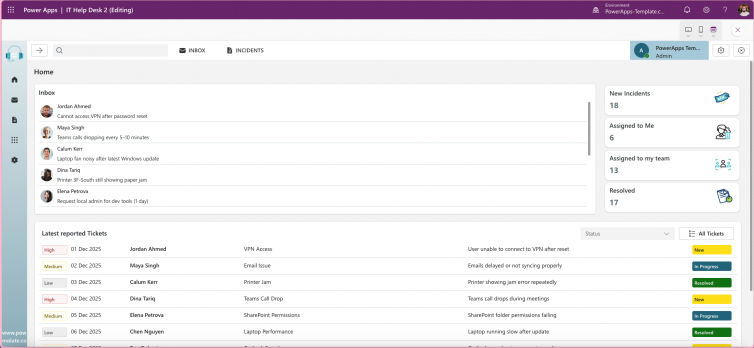
1. IT helpdesk and ticketing
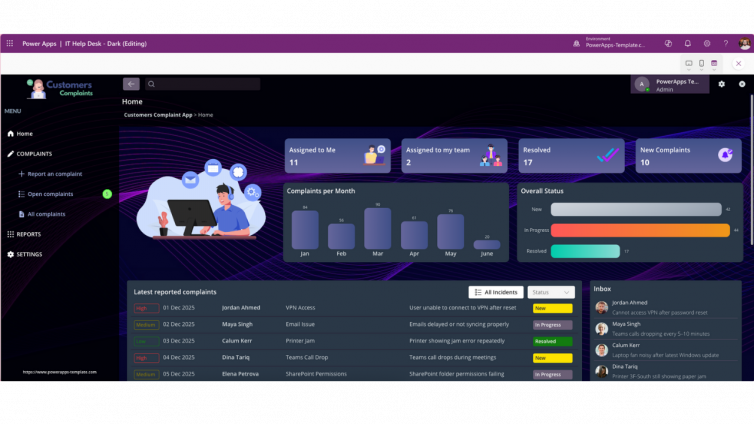
The single most common first Power Apps purchase. Every team that has outgrown a shared inbox for IT requests ends up here. Ticket volume is predictable, the workflow is well understood, and the return on replacing email triage with structured tracking shows up within the first week.
IT HelpDesk – Ticketing, FAQ & Admin Dashboard
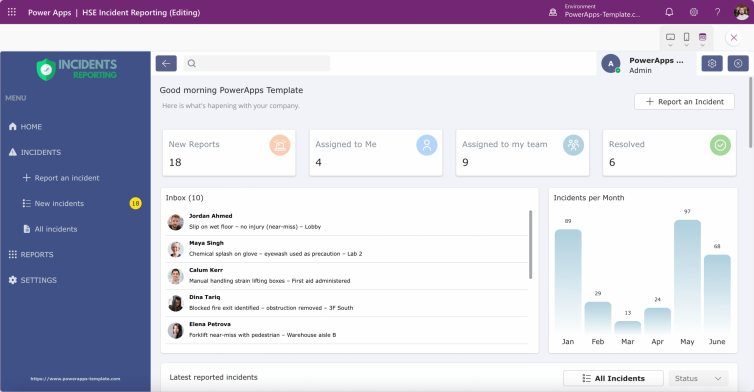
$992. HSE and incident reporting
Demand here is compliance-driven rather than convenience-driven, which makes it a faster purchase decision than most categories. Once a business identifies a gap in its audit trail, the template gets bought the same week, not evaluated for months.
HSE Incident Reporting App
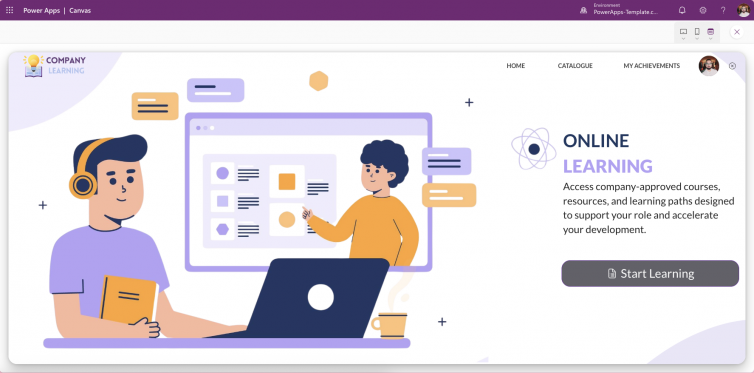
$993. Learning and onboarding portals
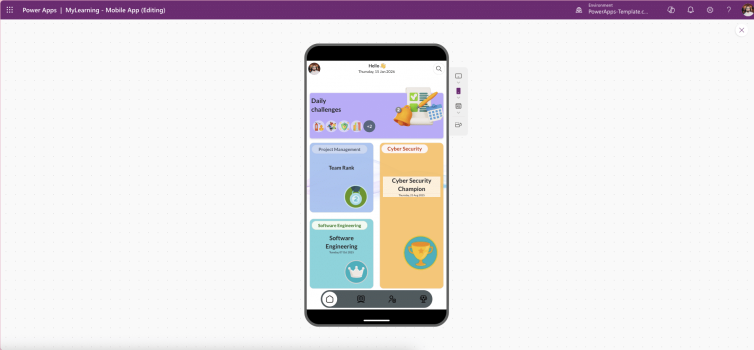
Growing steadily as more businesses formalise internal training instead of relying on scattered documents and one-off sessions. The appeal is consolidation: assessments, progress tracking and content in one place instead of three disconnected tools.
Company Learning Portal
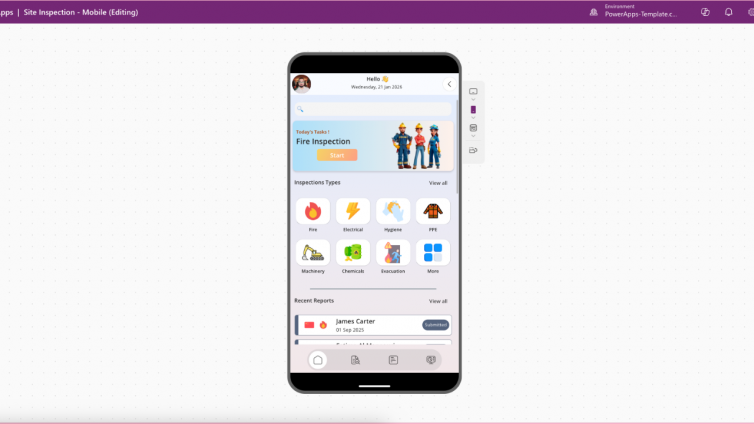
$994. Field and site inspection apps
Demand accelerated with the 2026 Wave 1 offline improvements. Field teams that previously avoided digitising inspections because of unreliable connectivity now have a genuine reason to move off paper checklists.
Site Inspection Mobile App
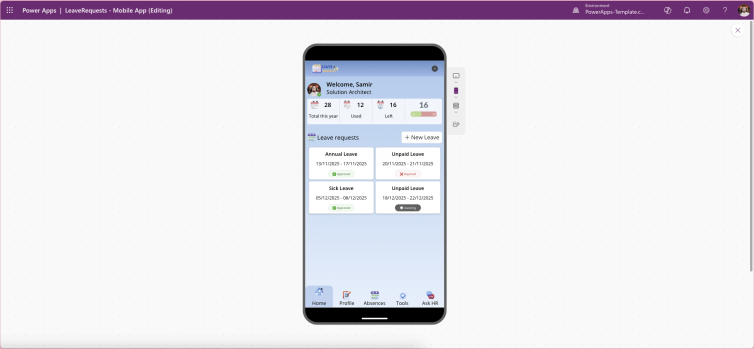
$995. HR and employee onboarding
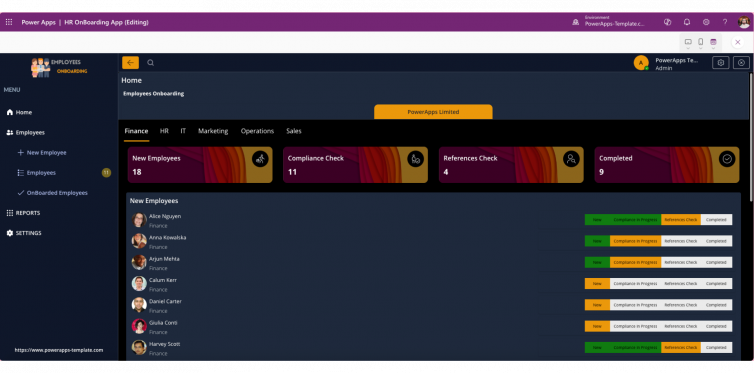
The most underrated category on this list. HR teams rarely go looking for a template, they go looking for a fix to onboarding chaos, and land here once they realise the same structured workflow logic that works for IT tickets works just as well for new-hire checklists.
Employee Onboarding Template
$99Why these five, and not the others
Every one of these five shares the same underlying pattern: high repetition, clear ownership, and a workflow that already exists informally, just badly. That combination is exactly what makes a template a fast purchase decision instead of a long evaluation. Categories with vague ownership or infrequent use rarely make it past the "we should probably do this eventually" stage. These do, because the pain is already visible and someone in the business is already the one absorbing it.
| Template | Typical buyer | Time to value |
|---|---|---|
| IT HelpDesk | IT manager, ops lead | Same week |
| HSE Incident Reporting | Safety officer, compliance lead | Same week |
| Company Learning Portal | HR / L&D manager | 1–2 weeks |
| Site Inspection Mobile App | Field or facilities manager | Same week |
| Employee Onboarding | HR manager | 1 week |
FAQ
Which Power Apps templates are most popular in 2026?
IT helpdesk and ticketing, HSE incident reporting, learning and onboarding portals, field and site inspection apps, and HR onboarding templates are currently the highest-demand categories, driven by high-repetition workflows that businesses already run informally.
Why do businesses buy Power Apps templates instead of building from scratch?
A pre-built template with a clean data model and documented permissions typically deploys in days rather than the four to six weeks a custom build takes, at a fraction of the cost.
Are Power Apps templates worth it for small businesses?
Yes, particularly for high-repetition workflows like IT tickets or onboarding, where the cost of continuing to manage the process manually usually exceeds the one-time cost of a structured template within a few months.
The bottom line
Demand follows pain, not novelty. The templates selling fastest right now are not the most complex or the most feature-packed, they are the ones closing the gap between a workflow a business already runs informally and one it can actually track, audit and scale. If one of the five above matches something your team is still doing by email or spreadsheet, that is usually the clearest signal it is worth buying rather than building.
See the full range
Browse every template in the marketplace, all delivered as unmanaged solutions ready to customise and deploy the same day.
Browse the Marketplace