Why Built-In Templates Beat Custom Design Without UI/UX Skills in Microsoft Power Apps
When building business applications in Microsoft Power Apps, teams often face a critical decision: design from scratch or start with built-in templates. While custom design may sound appealing, the reality is clear without strong UI/UX skills, custom design introduces risk, cost, and poor adoption.
For non-designers, built-in Power Apps templates are usually the smarter, faster, and more reliable choice. They reduce time-to-market, control costs, and deliver user experiences aligned with Microsoft’s design standards from day one.
Microsoft’s Guidance on Design Standards in Power Apps
Microsoft consistently emphasises the importance of design consistency, usability, and accessibility across the Power Platform. These principles are documented in the Experience Optimization and Architecture Guidance published across Microsoft Learn.
Microsoft highlights three critical points:
-
Consistency Matters
Familiar patterns reduce user confusion, training time, and errors. -
Faster Development Cycles
Standardised layouts eliminate design guesswork and rework. -
Improved Usability and Accessibility
Apps built on proven standards perform better in real-world usage.
Deviating from these standards without professional UI/UX expertise often leads to fragmented interfaces, accessibility gaps, and long-term maintenance challenges.
Built-In Power Apps Templates: The Smart Choice for Non-Designers
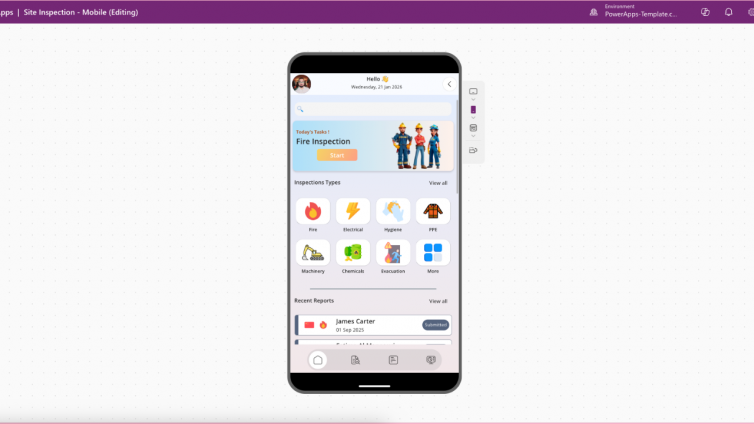
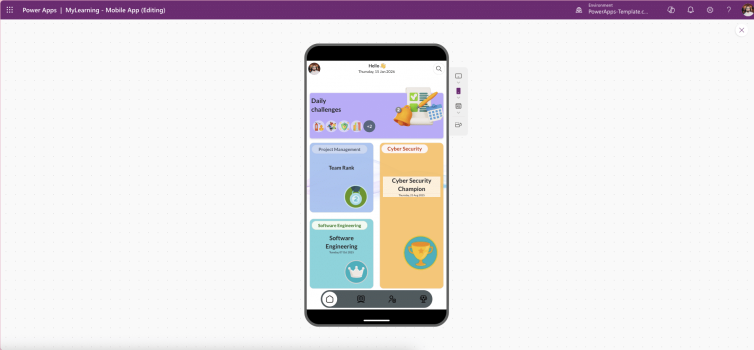
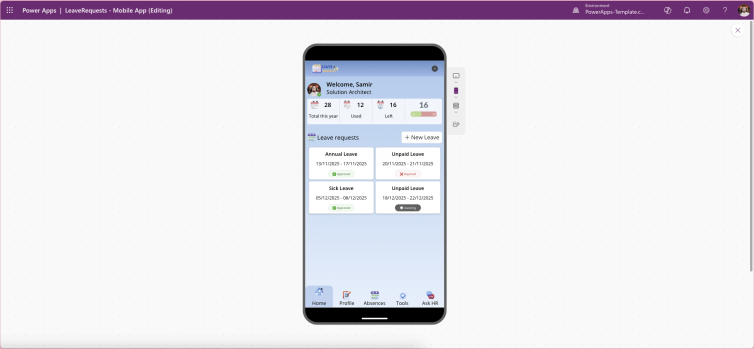
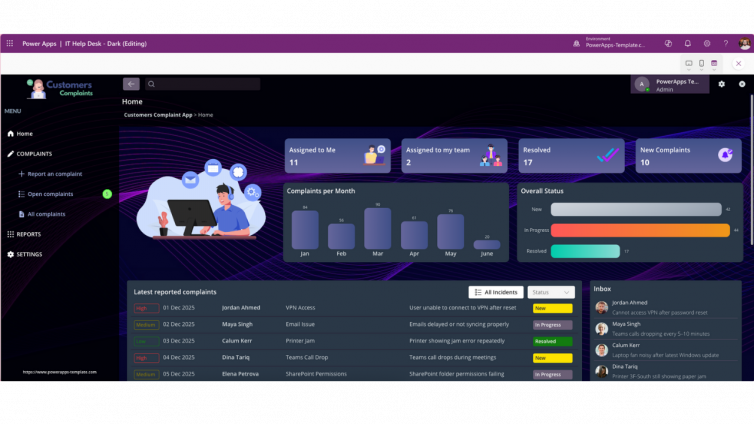
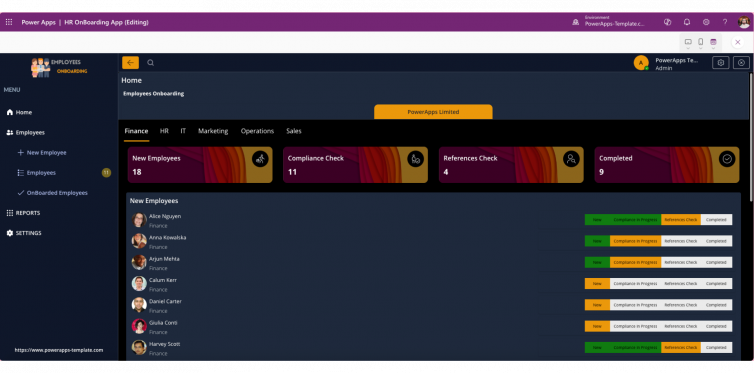
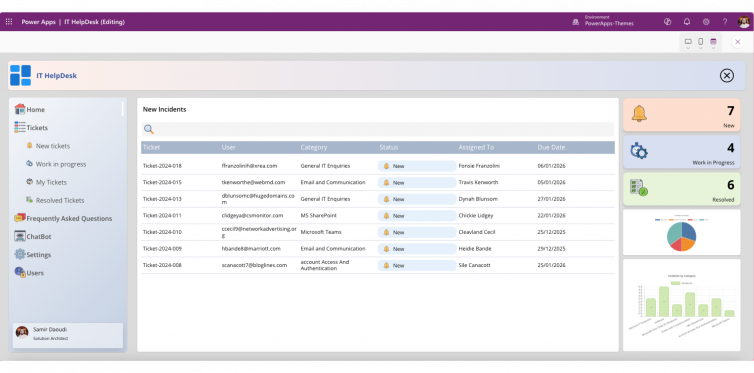
Power Apps built-in templates are pre-built solutions designed around Microsoft’s Fluent Design System and UI/UX best practices. They are specifically created to help makers deliver professional applications without needing advanced design skills.
Key Benefits of Built-In Templates
-
Ready-to-Use Layouts
Optimised navigation, spacing, responsiveness, and accessibility are already implemented. -
Reduced Complexity
No need for advanced tools like Figma or Adobe XD. Makers focus on data and logic, not design theory. -
Enterprise-Ready Integrations
Templates align seamlessly with Microsoft 365, Dataverse, and Microsoft Teams.
Microsoft-supported resources such as the Power Apps Design Toolkit reinforce this approach by providing curated components that follow industry-proven UI/UX patterns.
Risks of DIY Design Without UI/UX Expertise
Building Power Apps from scratch without design skills often introduces hidden costs and long-term issues:
-
Inconsistent Branding
Fonts, colours, and layouts drift away from corporate identity. -
Poor Accessibility
Missing contrast standards, unclear navigation, and inaccessible controls exclude users. -
Lower Adoption Rates
Users abandon apps that feel confusing or unpolished. -
Higher Support and Training Costs
Confusing interfaces generate more helpdesk tickets and documentation needs.
As Microsoft itself notes: low-code should not mean low standards. Templates help enforce those standards automatically.
Cost Comparison: UI/UX Designer vs Power Apps Templates
The financial difference is substantial especially for small teams and fast-moving projects.
| Option | Estimated Cost |
|---|---|
| Hiring a Professional UI/UX Designer | £500–£750 per day (UK Power Platform market) |
| Using Power Apps Templates | £0–£199 per template |
Real Example
A 10-day designer engagement at £600/day = £6,000
A premium Power Apps template at £199 = over 95% cost savings
Templates deliver professional UI/UX at a fraction of the cost while remaining fully compliant with Microsoft standards.
Real-World Enterprise Scenario
In enterprise Power Platform environments, governance and consistency are critical. Microsoft governance guidance repeatedly highlights that starting with approved templates accelerates delivery and reduces compliance risk.
Templates:
-
Align with organisational UI standards
-
Simplify reviews and approvals
-
Reduce long-term maintenance overhead
This makes them especially valuable for IT-managed Power Apps portfolios and regulated industries.
When Templates Are the Best Choice
Built-in templates are ideal when:
-
UI/UX expertise is limited or unavailable
-
Speed-to-market matters
-
Budget constraints exist
-
Consistency and accessibility are priorities
👉 Explore our professionally designed Power Apps templates to launch faster, reduce risk, and deliver enterprise-grade UI/UX without hiring a designer.
Conclusion: Templates Protect Quality, Cost, and Adoption
Custom design without UI/UX skills often creates more problems than it solves. Built-in Power Apps templates provide a safer, smarter foundation especially for non-designers.
By starting with templates, teams benefit from:
-
Microsoft-aligned UI/UX
-
Faster delivery
-
Lower costs
-
Higher adoption
In modern low-code projects, templates are not a shortcut they are best practice.