





Product Overview
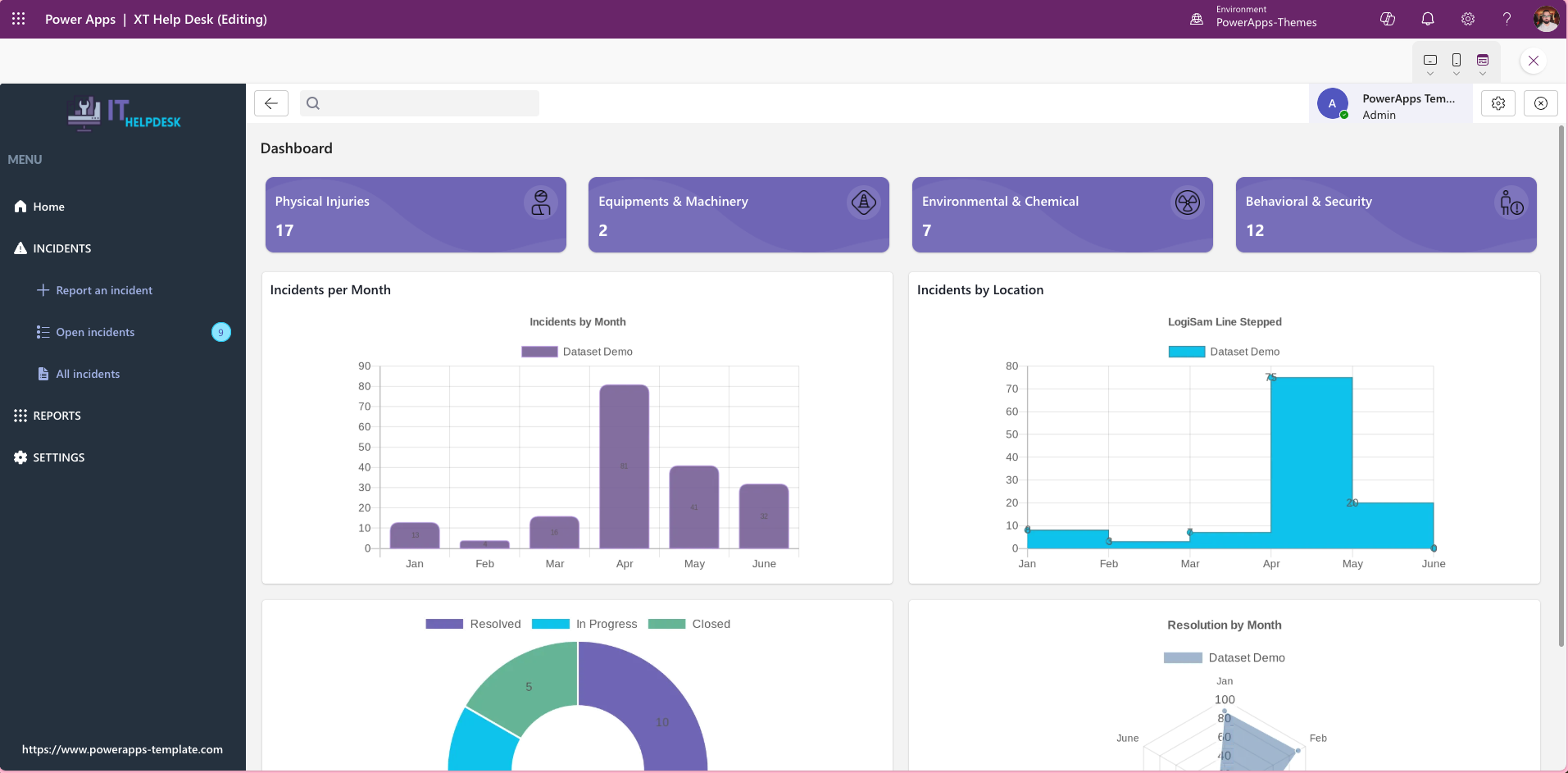
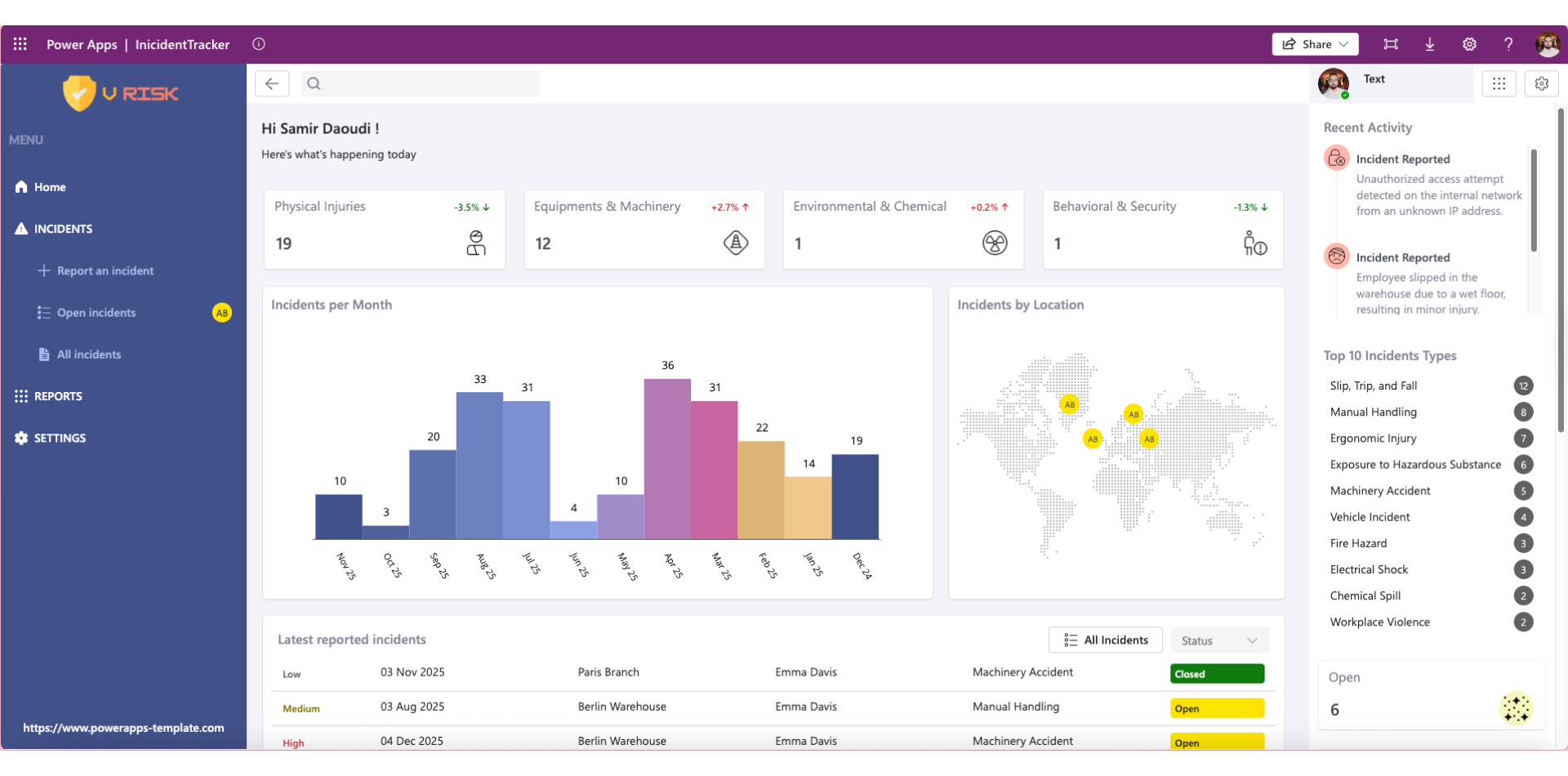
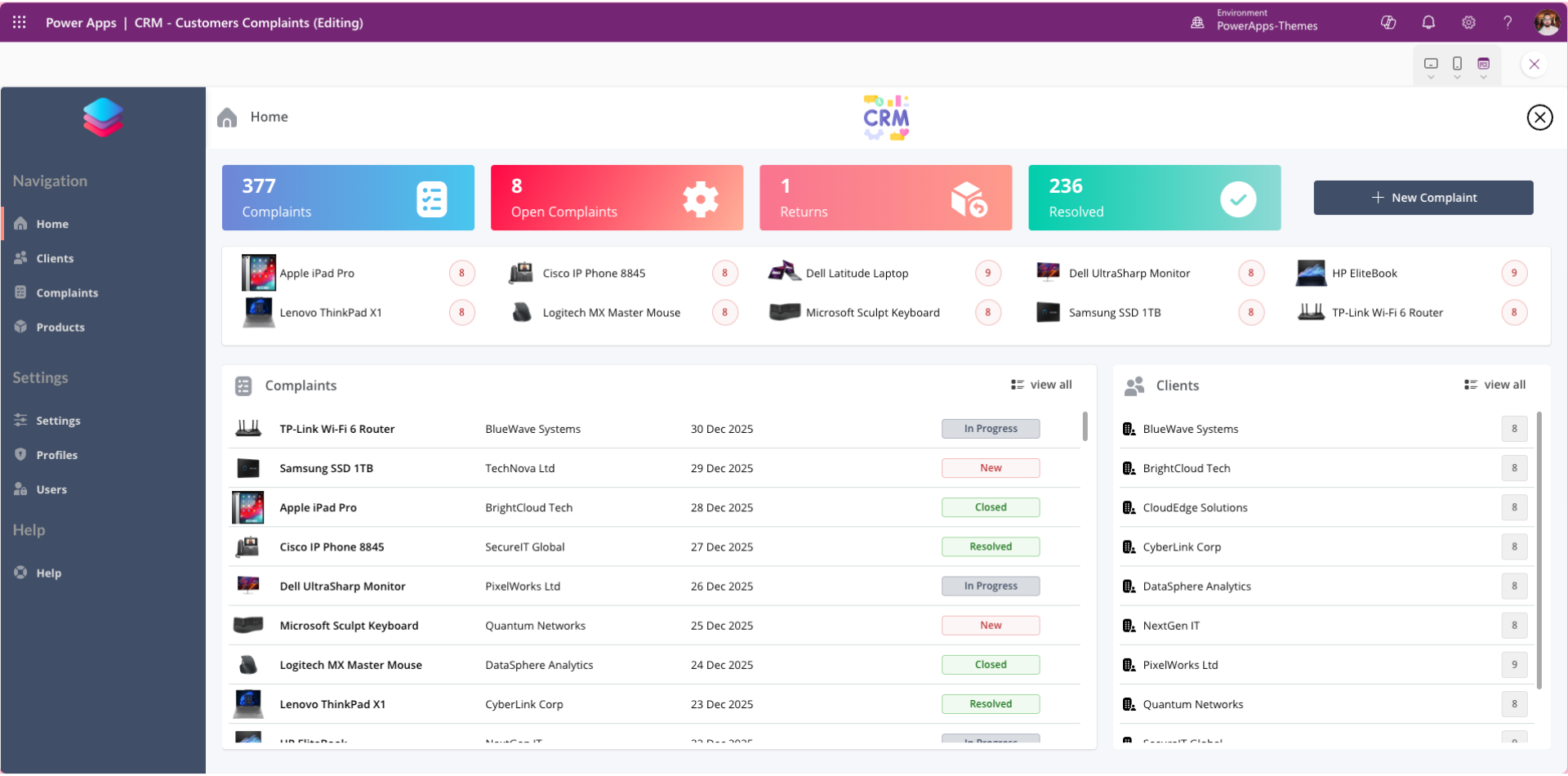
XT HelpDesk is designed to accelerate IT service delivery by providing a structured, intuitive incident tracking experience. The template focuses on simplicity and usability, ensuring support teams can start managing tickets immediately while retaining full flexibility to customise fields, workflows, and branding.
Although optimised for desktop use, the layout remains responsive, allowing teams to access and manage incidents across devices.
Key Features
Incident Logging
Quickly capture incidents with essential details
Categorise issues for better triage and reporting
Status Tracking
Clear lifecycle stages from New → In Progress → Resolved
Improved visibility for support teams and stakeholders
User-Friendly Design
Clean, modern light-mode interface
Logical navigation for faster issue handling
Responsive layout for desktop and extended screens
Fully Customisable
Adapt fields, workflows, and statuses
Apply organisational branding
Extend logic without rebuilding the app
Integration Ready
Connect easily to:
Microsoft Dataverse
SharePoint lists
Other approved data sources
Keeps your helpdesk data inside the Microsoft 365 ecosystem.
Why Choose XT HelpDesk?
Building an IT HelpDesk app from scratch requires UX design, workflow modelling, testing, and governance setup. XT HelpDesk removes that overhead by offering a production-ready Canvas App foundation.
Key benefits:
Faster deployment
Reduced development cost
Consistent IT support workflows
Improved incident visibility and resolution times
This makes XT HelpDesk ideal for organisations that want results quickly without compromising quality.
Ideal For
XT HelpDesk is ideal for:
IT support teams
Internal service desks
SMEs and enterprise IT departments
Organisations modernising incident tracking with low-code
Product Details
Product Type: Digital Power Apps Canvas Template
Platform: Microsoft Power Apps
Layout: Desktop (responsive)
Theme: Light
Categories: Complaints, Tracking
Tags: HelpDesk, Incident, Tracking, IT Support
Price: $135
Why Buy a Power Apps HelpDesk Template?
Using a professionally designed Power Apps template:
Speeds up implementation
Reduces design and testing effort
Improves adoption with a clean UI
Provides a scalable base for future enhancements


