




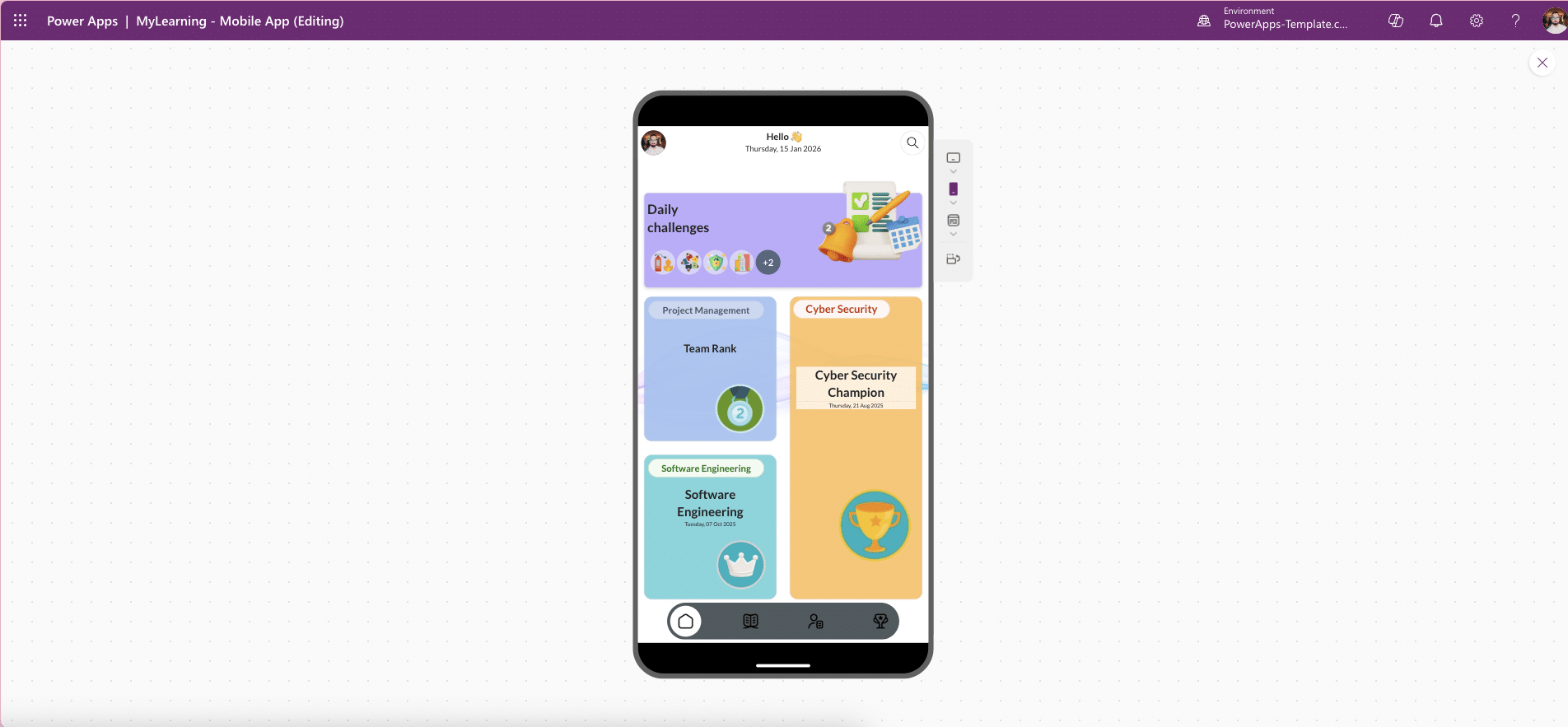

Site Inspection Mobile App – Power Apps Template (Mobile-First HSE Inspections)
Site Inspection Mobile App is a mobile-first Power Apps Canvas template that helps teams run structured site inspections quickly and consistently. Capture checklists, photos, notes, locations, and statuses through a clean, accessible UI without spending days on UI/UX design.
Built on Microsoft Power Apps this template lets you focus on inspection categories, questions, and workflows while the app handles navigation, theming, responsiveness, and data structure.
Product Overview
The Site Inspection Mobile App – Power Apps Template accelerates how organisations plan, execute, and track inspections across sites, plants, and facilities. Delivered as a modern Canvas app, it includes a professional UI, responsive layouts, and a clear data model, so you can go live faster with less risk.
It is designed for mobile field use, ensuring inspectors can complete audits on phones and tablets with minimal friction.
What You Can Do
Run Structured Inspections by Category
Create inspections across common HSE and operational areas, including:
Fire safety
Electrical
Hygiene
PPE
Machinery
Chemicals
Evacuation
Environmental
First Aid
Capture Complete Inspection Evidence
Record outcomes using Yes/No or rating fields
Add comments and notes
Attach photo evidence directly from mobile devices
Track Status and Accountability
Tag each inspection with date, location, and inspector
Use clear statuses such as Submitted, Reviewed, and Approved
Maintain auditable inspection records
Review Trends at a Glance
Dashboards with counts by:
Country or site
Inspection type
Status
Quickly identify risks and recurring issues
Why Start From This Template?
Save Weeks of UI/UX Effort
Ready-made navigation and screen flows
Consistent theming and form layouts
Mobile-optimised interactions
Consistent, Accessible Design
Clean layouts that improve adoption
Accessibility-friendly structure out of the box
Fully Configurable
Adjust categories, questions, and statuses
Align the app with your internal safety standards
Microsoft 365–Ready
Connect to Dataverse or SharePoint lists in minutes
Keep data inside your tenant
This approach reduces implementation risk while ensuring scalability and governance.
Why Buy a Site Inspection Power Apps Template?
Building a mobile inspection app from scratch requires UX design, data modelling, testing, and governance setup. This template provides a production-ready foundation that:
Speeds up delivery
Lowers development costs
Improves user adoption
Ensures consistent inspection data
Ideal For
The Site Inspection Mobile App is ideal for:
HSE and compliance teams
Construction and engineering companies
Manufacturing and industrial sites
Field services and operations teams
Any organisation needing reliable, auditable mobile inspections


