

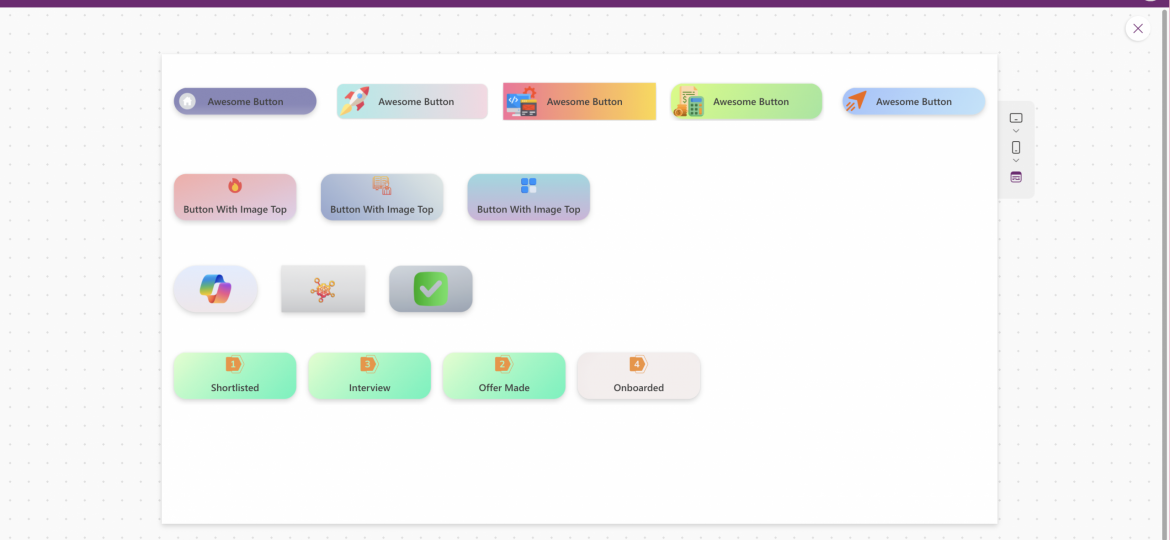
Reusable Power Apps button components that make it easy to design modern, gradient‑styled buttons. Built for reusability, responsiveness, and accessibility, these components help makers deliver visually polished apps without complex UI work. Perfect for anyone looking to elevate the look and feel of their Power Apps solutions.
Components
Company growth with strategy
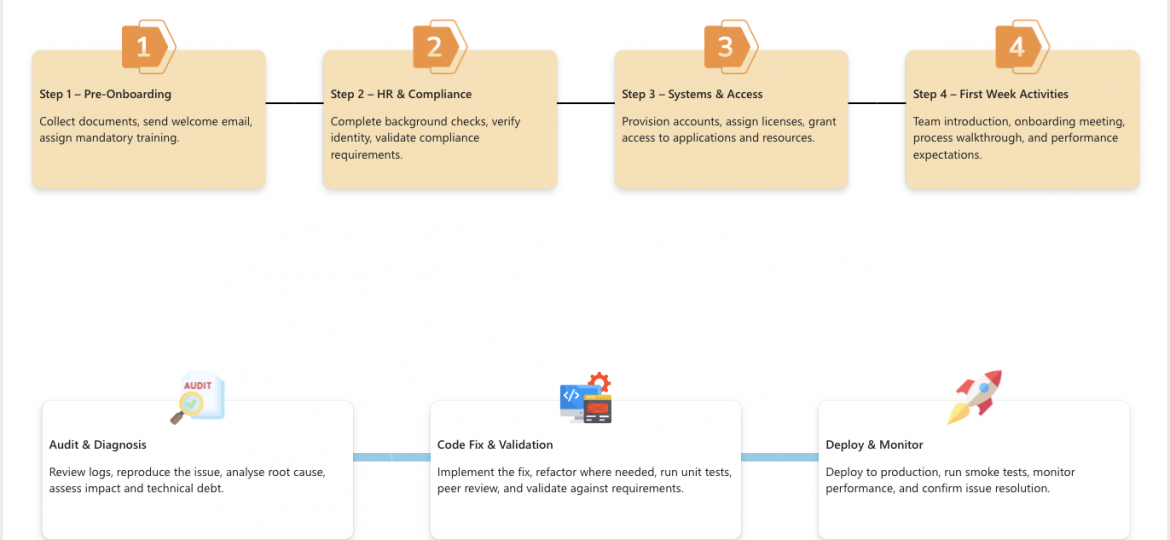
A free, fully customisable Power Apps component to display horizontal timelines with images, titles, and step content — built to improve UX and speed up delivery.
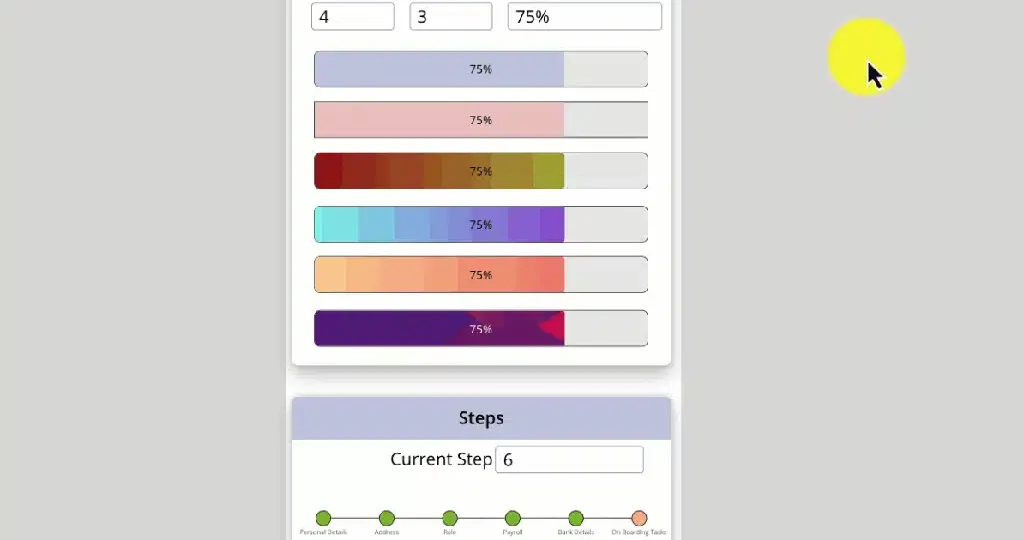
Great user experience in Power Apps isn’t only about design—it’s about guiding users clearly through each step of a process. Progress Bars and Step Bars are two lightweight components that instantly make your Canvas Apps feel more structured, modern, and user‑friendly.
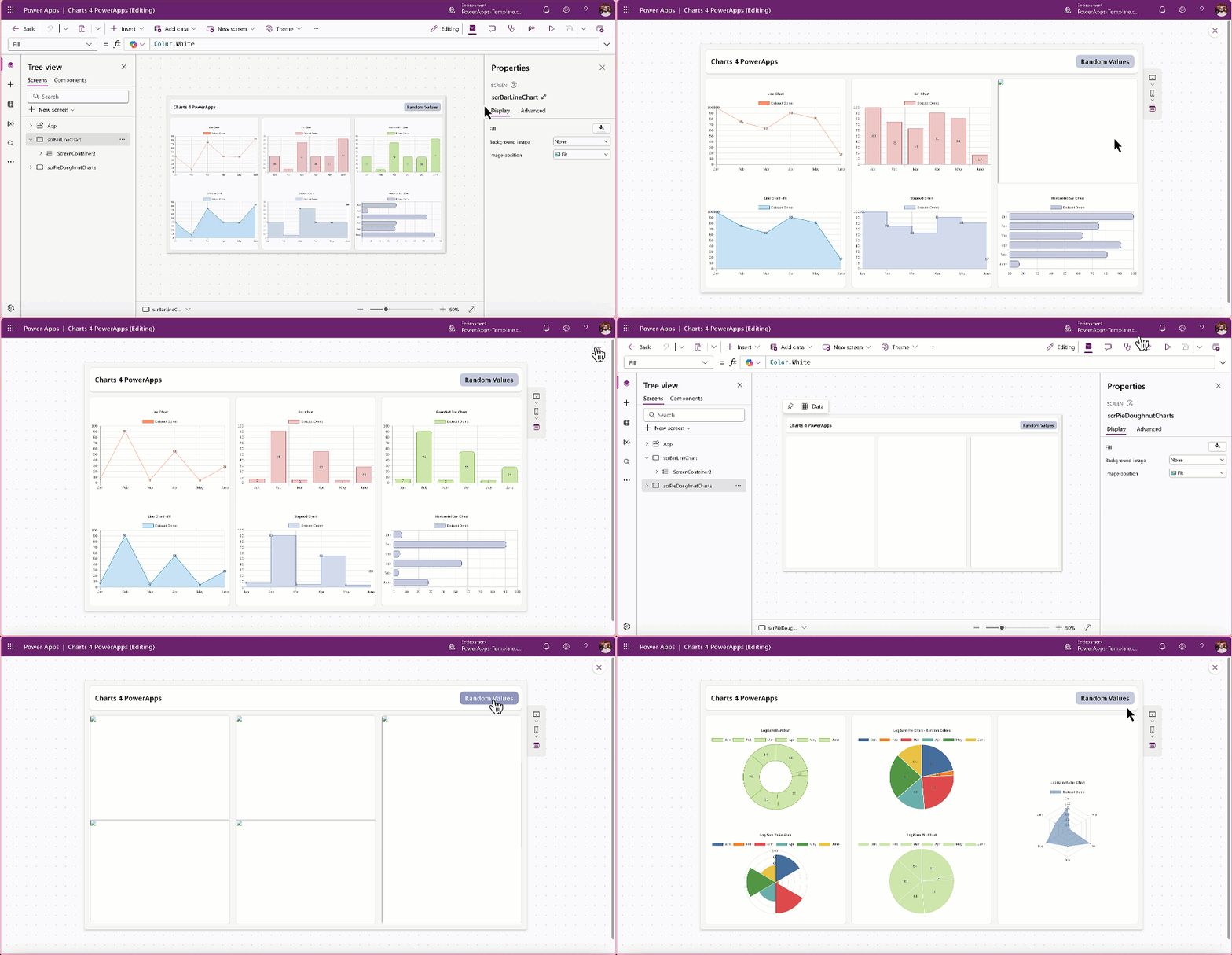
In today’s data‑driven world, visual clarity is essential. Users expect applications to present information in ways that are actionable and easy to interpret. Chart4PowerApps empowers any Power Apps maker to meet that expectation.
If you want to elevate your Canvas Apps with clean, modern chart components—without complexity—Chart4PowerApps is the solution.
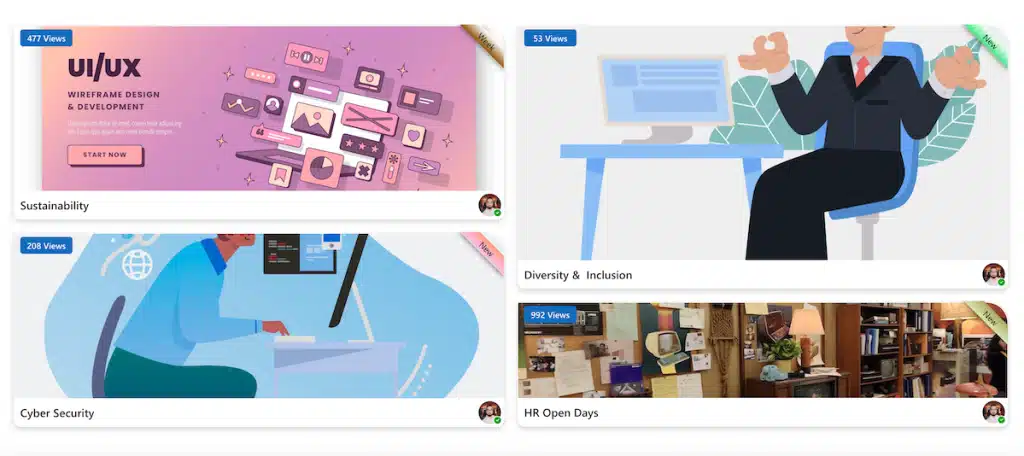
We’re always exploring new ways to make Power Apps interfaces more intuitive and useful — not just for our own projects, but for the wider maker community as well. Recently, we put together a lightweight component that many makers may find helpful: a Power Apps container with a ribbon‑style side badge.
It’s a simple, reusable element that helps highlight key information instantly.